
Layout


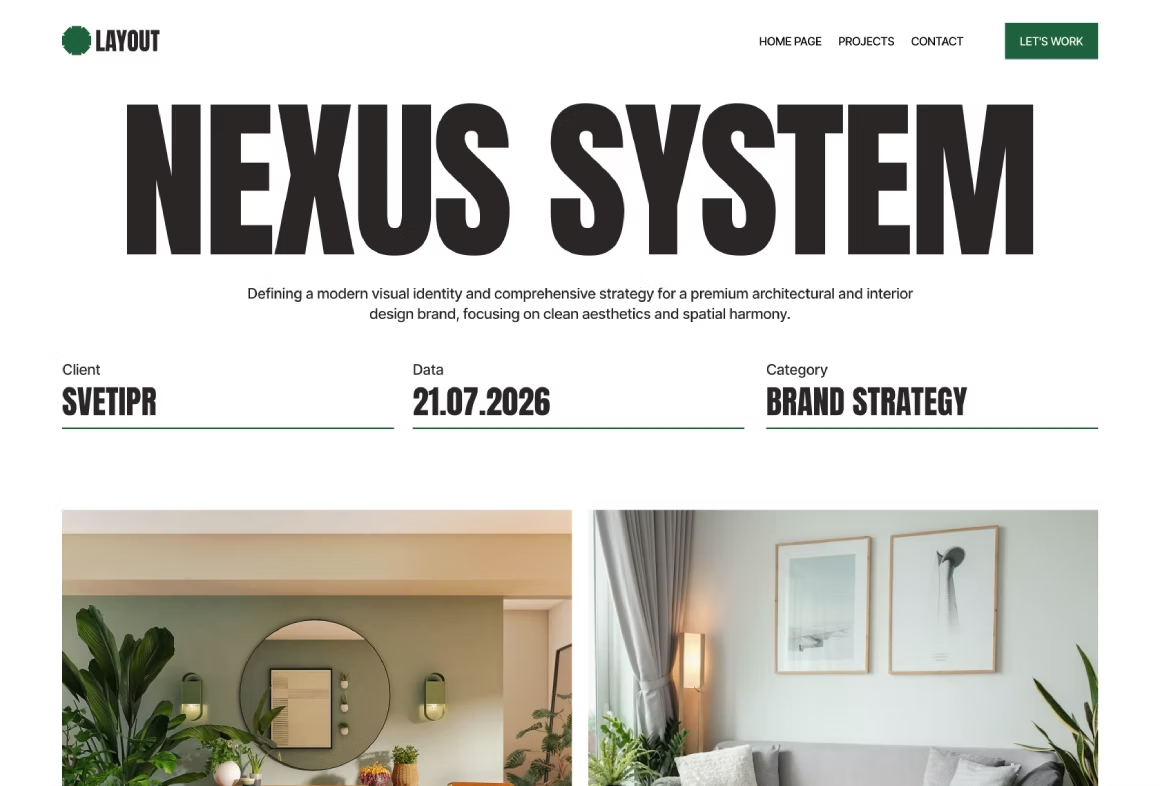
Template Highlights
Layout - Free Minimalist Portfolio Webflow Template
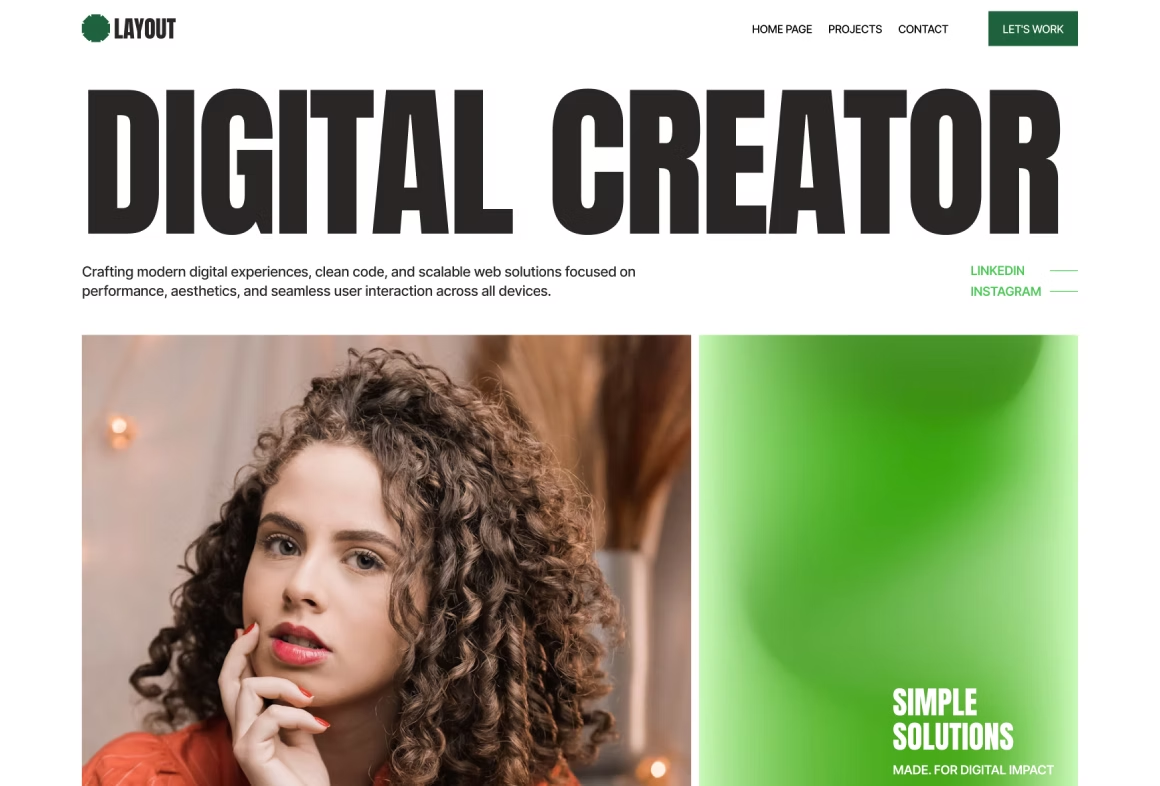
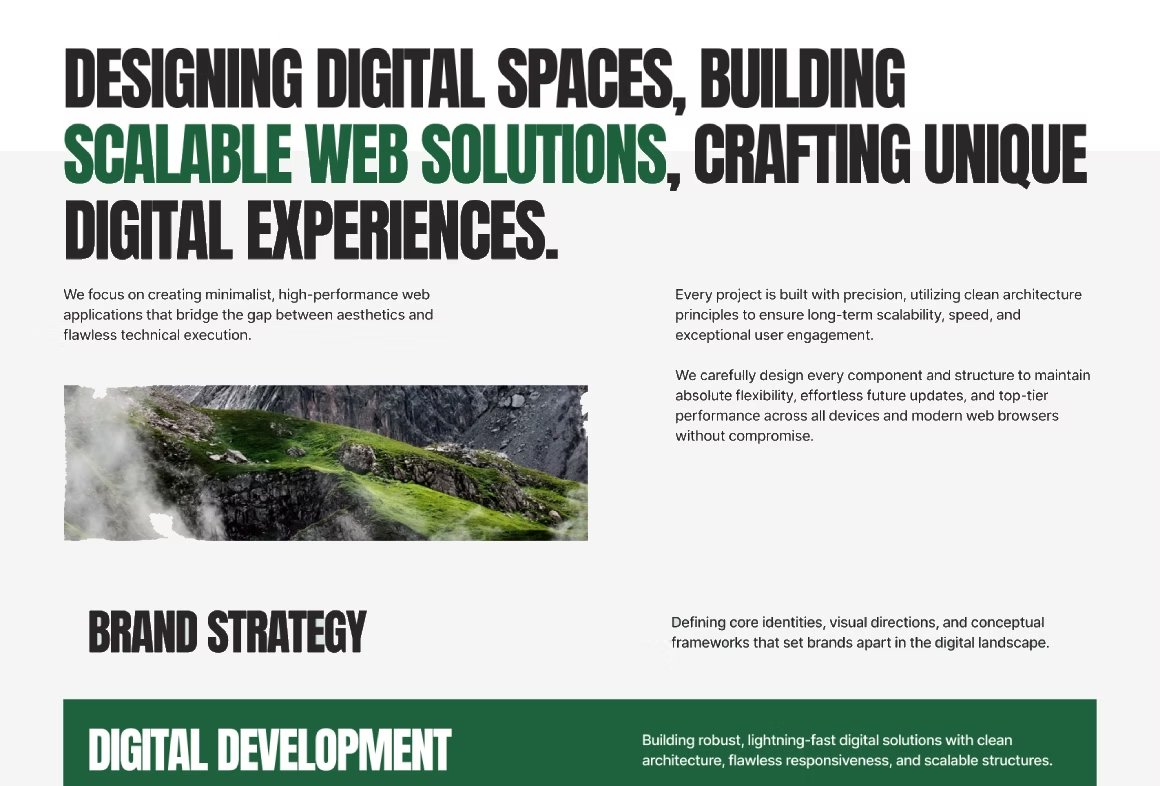
Layout is a clean and modern free Webflow portfolio template designed for designers, freelancers, photographers, copywriters, digital creators, and independent professionals.
Built with the Finsweet Client-First methodology, Layout features a clean and structured class system that makes the website easy to customize, maintain, and scale.
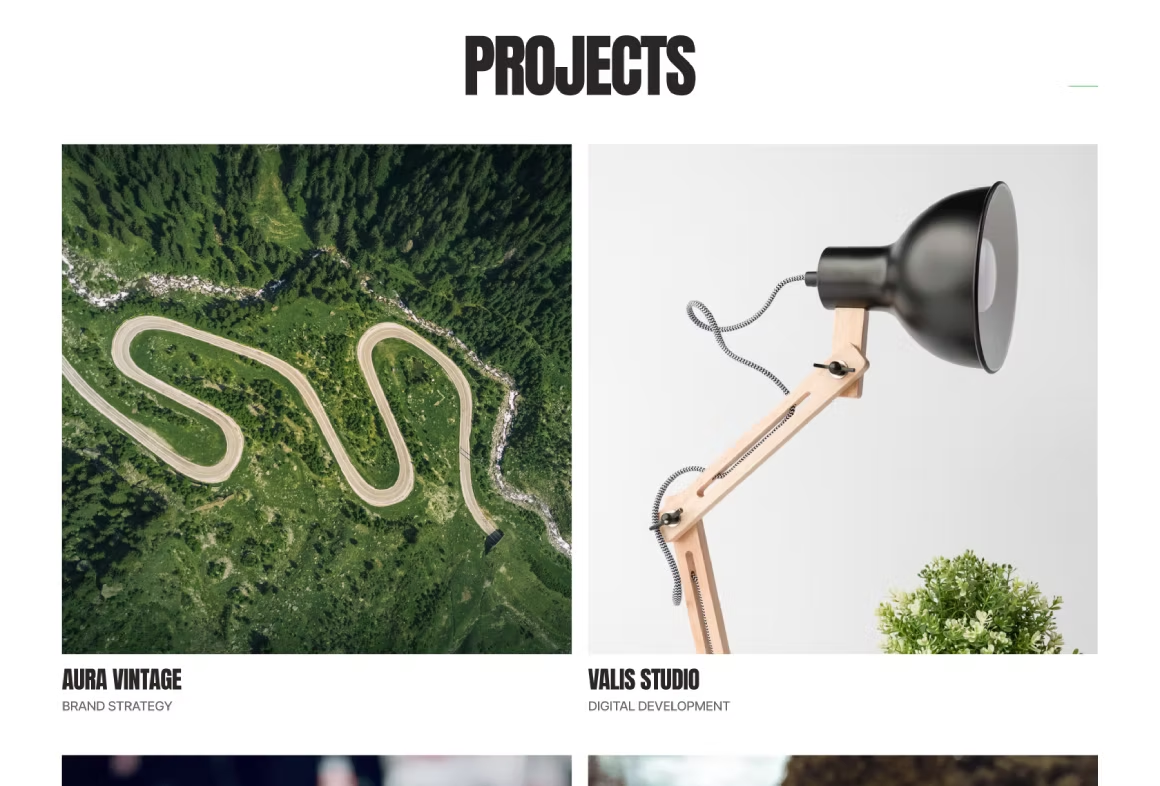
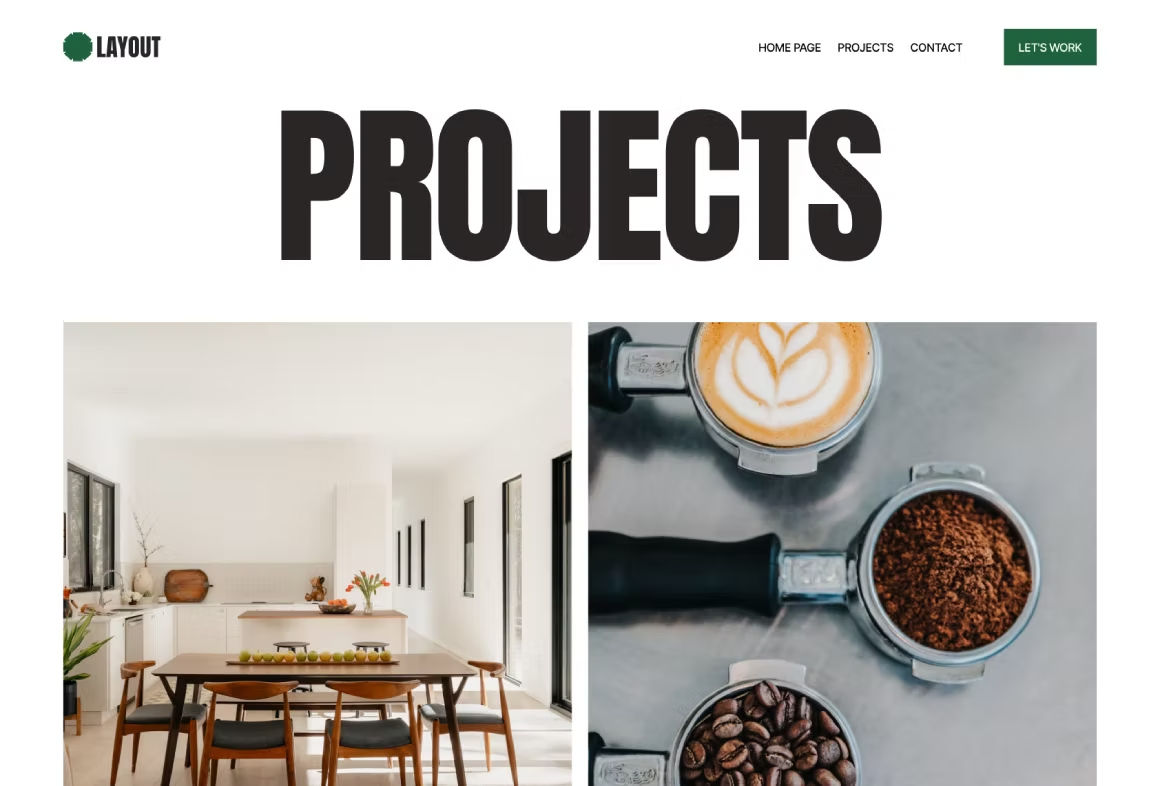
The minimalist editorial design keeps your work and personal brand at the center of the experience. With Webflow CMS integration, you can easily add, manage, and update your projects without touching the website structure — simply add your content and publish.
If you want to find out how a free template differs from a custom one, I've described the details in this case study.
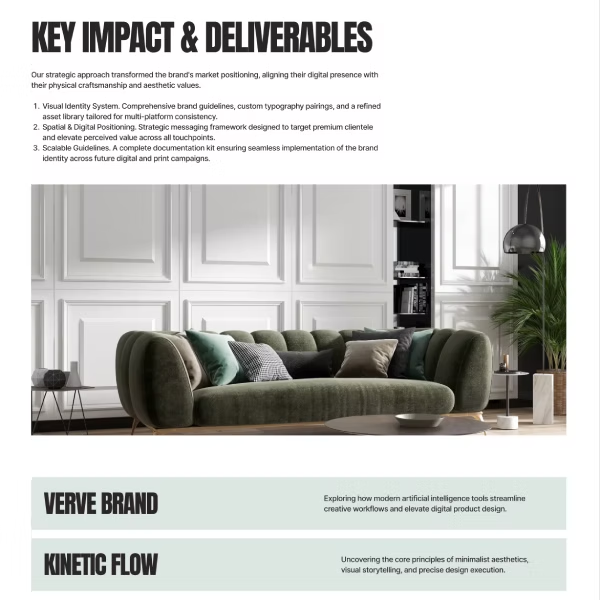
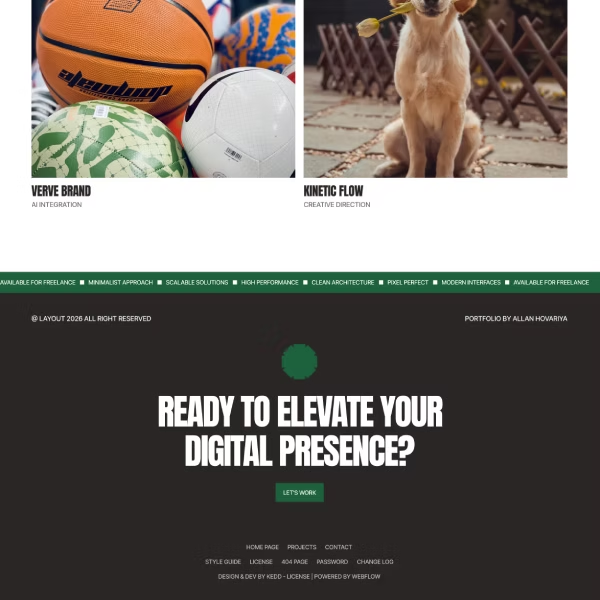
Template Technical Specifications & Features
- Finsweet Client-First — Built with a clean and consistent class structure that makes Layout easy to understand, customize, maintain, and scale.
- Webflow CMS — A simple CMS structure makes it easy to add, organize, and update portfolio projects without changing the overall website structure.
- Fully Responsive — Carefully optimized layouts, typography, spacing, and components provide a consistent experience across desktop, tablet, and mobile devices.
- Conversion-Focused — Clear calls-to-action and structured sections help visitors quickly understand your work, explore projects, and get in touch.
- Minimalist Design — Clean typography, balanced spacing, and a focused visual hierarchy keep attention on your projects and personal brand.
- SEO & AI-Ready — Structured content, semantic elements, clear headings, and a clean page hierarchy help search engines and AI systems understand your website content.
- Easy to Customize — Update colors, typography, images, content, sections, and other visual elements to match your personal brand or business.
Layout vs Typical Real Estate Webflow Template
Included Pages
- Home page.
- Projects.
- Projects Single.
- Contact.
Perfect for
- Designers — Showcase UI/UX, graphic, and product design projects with a clean visual presentation.
- Photographers — Present photography work through a minimalist portfolio focused on imagery.
- Freelancers — Build a professional online presence and showcase your services, experience, and projects.
- Copywriters — Create a simple portfolio for presenting writing projects, case studies, and professional experience.
- Developers — Showcase selected projects, technical work, and professional experience in a structured layout.
- Creative Professionals — Build a personal portfolio that puts your work, skills, and personal brand first.
- Independent Professionals — Launch a professional website quickly with a flexible structure that can grow with your content.
Figma Source File
Get full access to the source design files used to create this template. This includes the complete design system, typography styles, and component library to help you streamline your branding or custom projects.
To receive your access link, please send your Webflow purchase receipt to tehnosupp@gmail.com
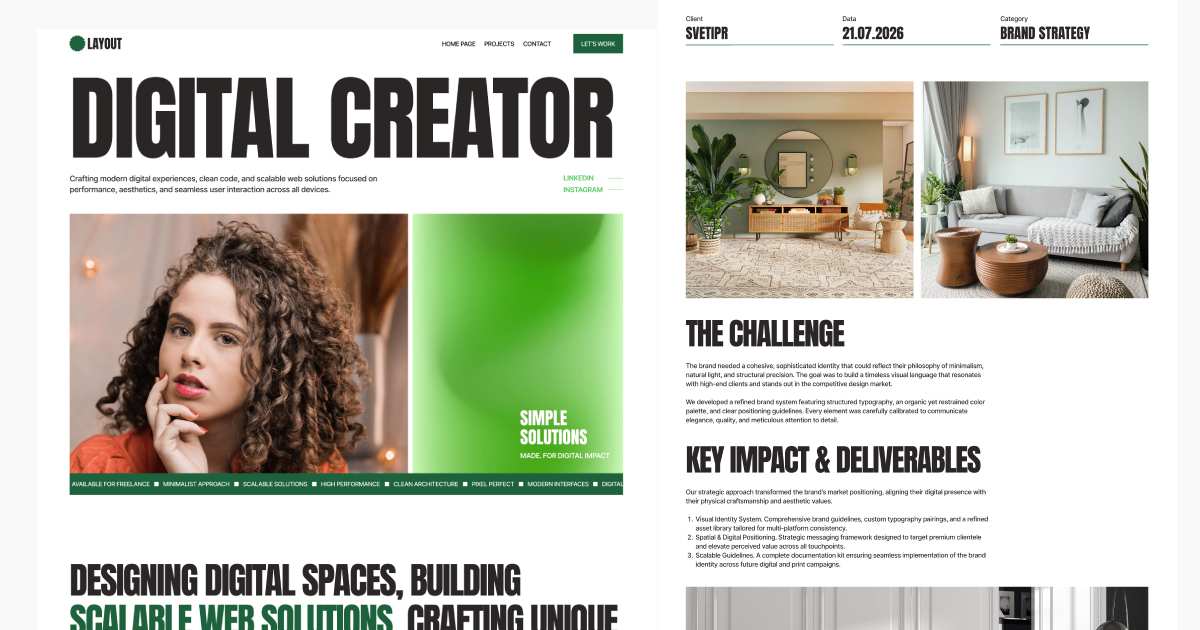
Free Figma Preview
Download the homepage design for free.
Support & Customization
Vellums is designed for seamless usability and easy customization. However, I am always here to assist you if you need help with the setup or have any questions.
Need Assistance? Reach out directly at tehnosupp@gmail.com. I strive to respond to all inquiries as quickly as possible.


Layout Template & General Support

Is Layout a free Webflow template?
Yes. Layout is a free Webflow template that you can add to your Webflow Workspace at no cost.
The template is fully functional and can be customized for your own website, portfolio, or freelance business.
If you need help with Webflow template customization, you can contact KEDD Design for assistance: Webflow Template Customization
We can fully customize the template based on your needs:
- Change colors, spacing, and all design system elements.
- Customize the CMS Collection and create new Collections.
- Add missing sections.
- Change the content and adapt the website for all devices.
- Set up SEO optimization for search engines and AI agents.
Need help customizing Layout? KEDD Design can adapt the free Webflow template to your content, brand, and business requirements.
Who is the Layout Webflow template designed for?
Layout is a minimalist Webflow portfolio template designed for freelancers, agencies, designers, photographers, videographers, and other creative professionals who need a modern website to showcase their services and work.
Can I use Layout for a personal portfolio website?
Yes. Layout is suitable for a personal portfolio website where you can:
- Showcase your work.
- Describe projects.
- Present your skills.
- Add information about your services.
Can I use Layout for a freelance business website?
Yes. Layout works well for freelancers who want to create a professional website and showcase their portfolio.
The template is designed to help you launch a simple freelance website quickly.
Layout gives freelancers a simple foundation for presenting their work, services, and professional experience online.
Is Layout suitable for designers and creative professionals?
Yes. Layout is especially suitable for designers and creative professionals.
You can easily:
- Add your work.
- Describe your projects.
- Showcase screenshots.
- Present project results.
Can photographers use Layout for their portfolio?
Yes. Photographers can use Layout to showcase their work and customize the portfolio structure when needed.
You can:
- Replace the default images with your own photography.
- Add new CMS fields for additional content.
- Customize the portfolio structure to match your needs.
Can I use Layout for a copywriter or developer portfolio?
Yes. Layout can be adapted for many different professions, including:
- Copywriters.
- Developers.
- Designers.
- Freelancers.
- Other creative professionals.
Its minimalist structure makes it easy to customize for different types of portfolios.
Is Layout built with Finsweet Client-First?
Yes. Layout is built using the Finsweet Client-First methodology.
The class structure is designed to make the Webflow template easier to:
- Customize.
- Maintain.
- Scale as your website grows.
If you need help with customization, you can contact KEDD Design for assistance.
Client-First provides a clear and organized foundation for future Webflow customization and development.
Does Layout use Webflow CMS?
Yes. Layout includes one Webflow CMS Collection for dynamic project pages. This allows you to manage your portfolio projects directly through Webflow CMS.
How does the CMS work in the Layout template?
The project CMS Collection includes the essential fields needed to add and display portfolio content.
You can also customize the Collection and add new fields based on your project requirements.
The CMS structure can be expanded as your portfolio and content requirements grow.