

Webflow Templates for Every Type of Website


Why Choose Kedd Design Templates?
Production-Ready Architecture
Performance-First Optimization
Seamless Responsiveness
Modular Component System
Advanced Interaction Design
Effortless Customization
Robust CMS Scalability
Lifetime Value Updates
Professional Source Assets
Dedicated Expert Support
How to Choose the Right Webflow Template
Class Naming Conventions
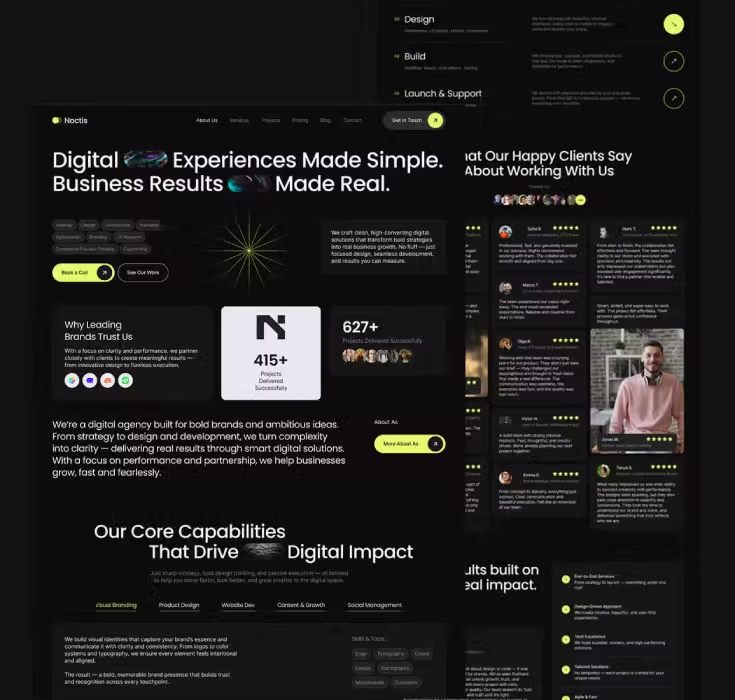
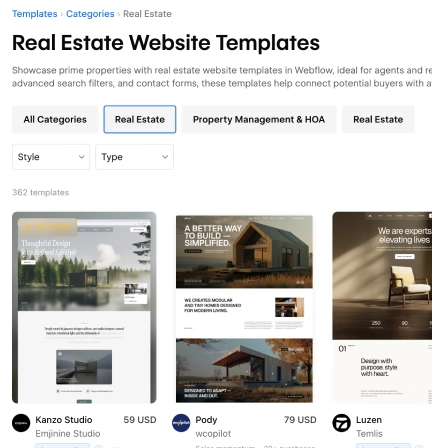
Webflow Templates for Digital Agencies
- Website design and development
- Branding
- SEO services
- Digital marketing
- Social media marketing
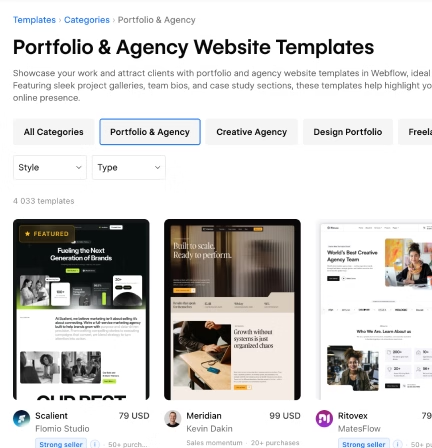
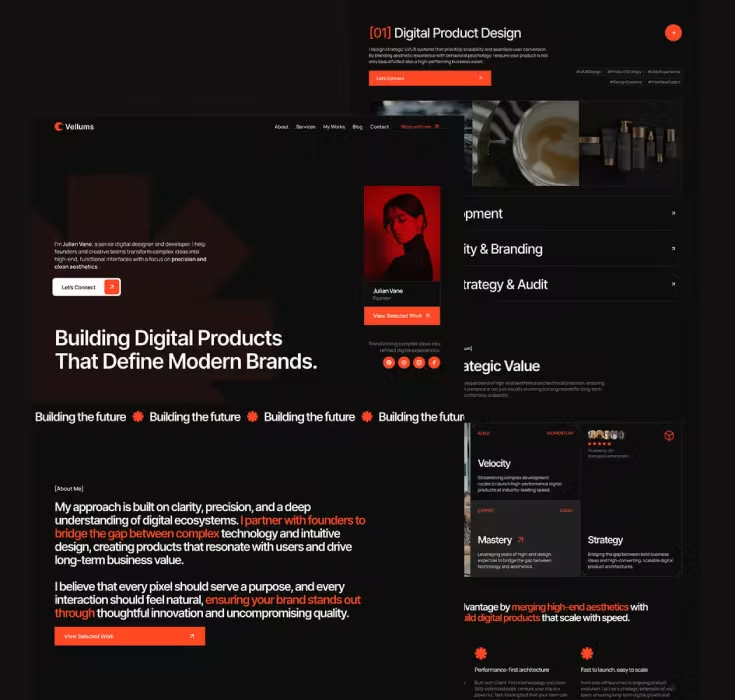
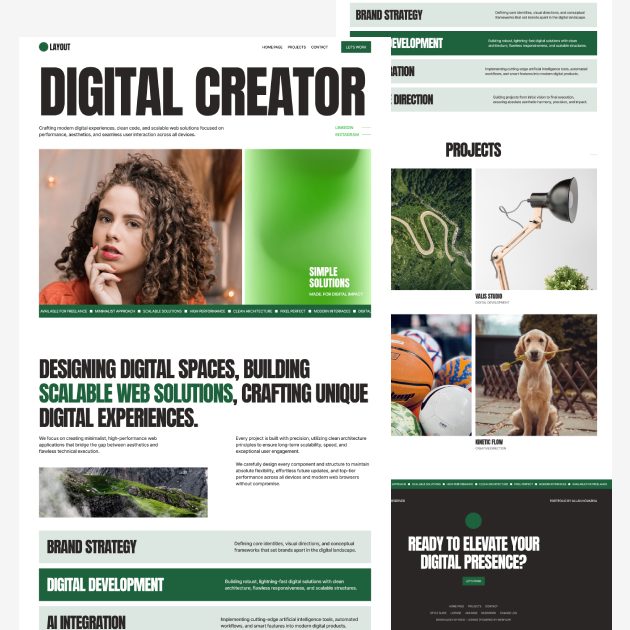
Webflow Templates for Freelancers
- Photographers
- Videographers
- Web designers
- Web developers
- Creative professionals
- Creative professionals
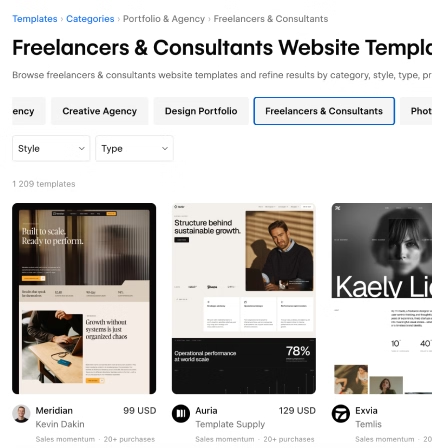
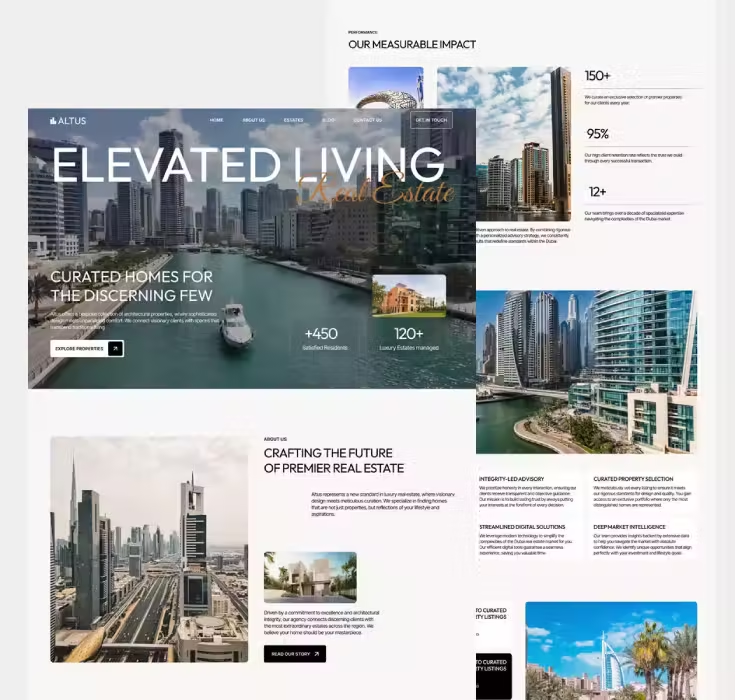
Webflow Templates for Real Estate
- Property sales
- Property rentals
- Residential projects
- Commercial real estate
- Real estate listings
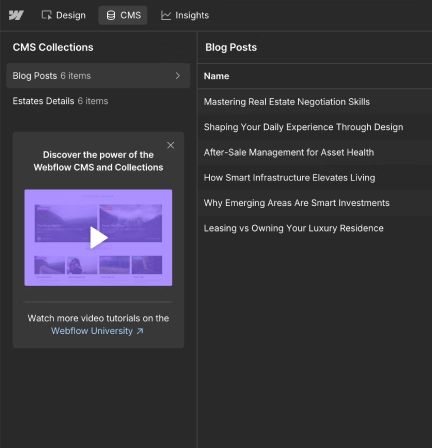
Check the CMS Structure
Essential CMS Collections for Your Business
- Blog posts
- Projects
- Services
- Team members
- Testimonials
- Property listings
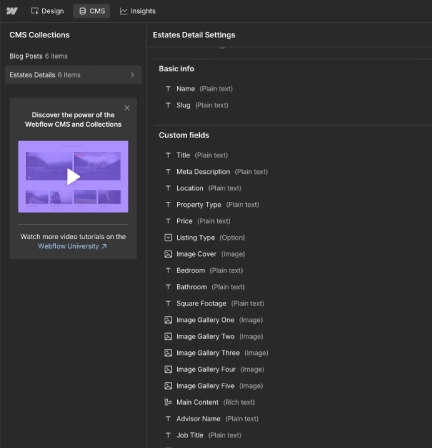
Required CMS Fields
- Titles
- Images
- Descriptions
- Categories
- Dates
- Locations
- Client information
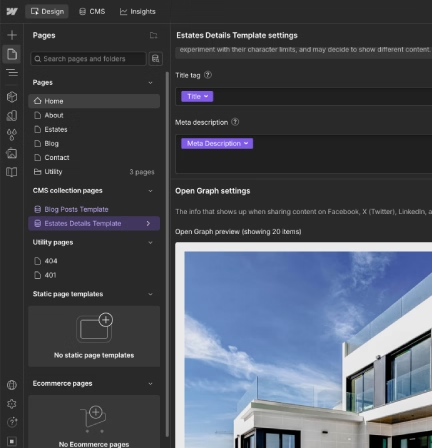
SEO Settings
This gives you more control over SEO and helps optimize individual pages for relevant search queries and keywords.
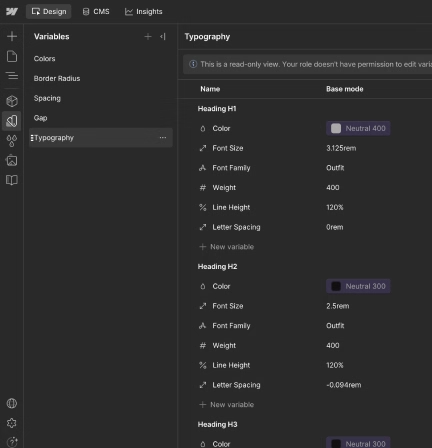
Review Customization Options
Variables
- Colors
- Typography
- Spacing
- Borders and radius
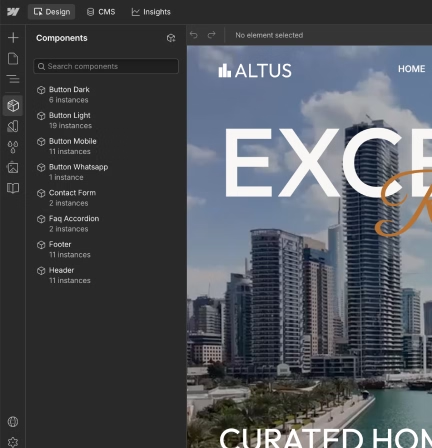
Components
- Header
- Footer
- Navigation
- Buttons
- Cards
- Forms
- Reusable content sections
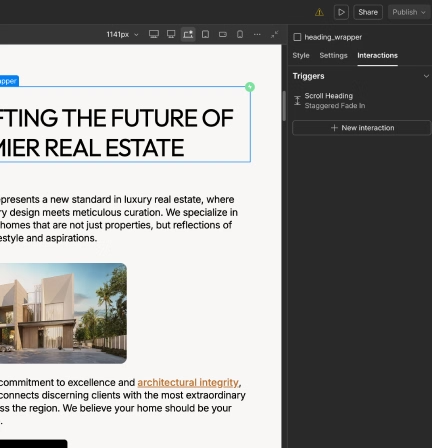
Animations and Interactions
Animations should support the website design, not make customization more difficult.
Check Responsiveness and Performance
Content Flexibility
Avoid templates with overly restrictive minimum widths or fixed elements that make customization difficult.
Typography

Responsive Sections
Look Beyond the Homepage Design
Problematic Animations
Choose animations that enhance the user experience without negatively affecting content structure or performance.
Template Customization
- Change the content
- Update colors and typography
- Replace sections
- Add new sections
- Adapt the design to your brand
Limited CMS Collections
Choose a template with a CMS structure that supports both your current content and future growth.
Think About Future Scalability
Clear Development Methodology
- Make changes faster
- Build new sections
- Maintain consistent styles
- Work with other Webflow developers more easily
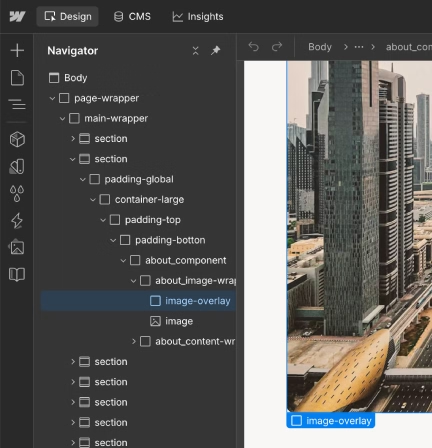
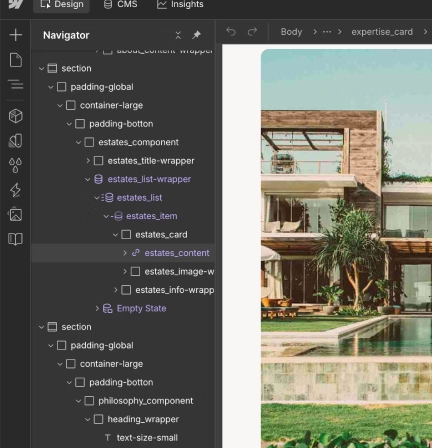
Clear Class Naming
- Empty or unnecessary div blocks
- Random class names
- Unclear structure
- Classes that are difficult to understand
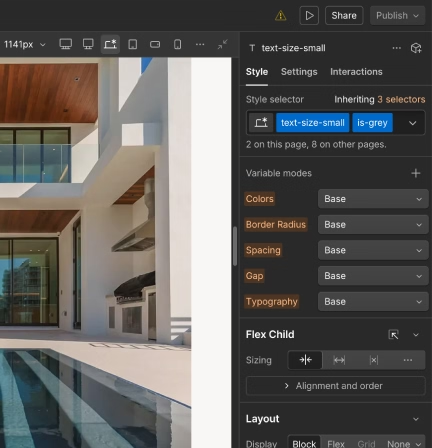
Combo Classes
A clear and simple class structure makes the Webflow template easier to customize and maintain.
Webflow Templates: Common Questions

What are Webflow templates?
A Webflow template is a ready-to-use website that you can purchase from the Webflow Marketplace. After purchasing a template, you can customize it with your own content, colors, branding, and design system, connect your domain, and launch a complete website in as little as 2–3 days.
A Webflow template is more than just a visual design. During development, a complete design system is created with Webflow Variables, Components, and CMS Collections already configured.
This approach means you do not have to start the website design and development process from scratch. You get a ready-made Webflow website that can be customized to your needs without having to build the entire website yourself.
A quality Webflow template can help you:
- Save time on website design and development
- Start with a professionally designed website
- Use an existing Webflow design system
- Work with pre-built Variables and Components
- Use ready-to-edit CMS Collections
- Launch your website faster
How do I choose the best Webflow template for my website?
There are thousands of Webflow templates available on the Webflow Marketplace. With so many options, choosing the right template can take some time.
The first step is to choose the right Webflow template category. For example, if you need a website for a law firm or a real estate agency, start by looking at templates specifically designed for those types of businesses.
Choosing the right category helps you find a template with the pages, content structure, and functionality that are relevant to your business.
However, you should not choose a Webflow template based only on its visual design. It is also important to check how the template is built.
Before purchasing, look at:
- The page structure and development methodology
- The Webflow Components that have been created
- The Variables system and whether it covers your needs
- The CMS Collections and the content they are designed for
- The responsive design across different devices
These simple checks can help you find a Webflow template that is easier to customize, maintain, and scale.
What should I look for before buying a Webflow template?
Choosing a Webflow template can take some time, especially if you want to make sure it will work for your business in the future.
Before purchasing a template, first check how many pages are included and whether they cover most of your website requirements. If the template already includes most of the pages you need, it can significantly reduce the amount of customization required.
No Webflow template will usually meet every requirement 100%, so some customization may still be necessary. However, choosing the right template can save development time and reduce the overall cost.
You should also check the CMS Collections and the available CMS fields. Make sure the existing fields can support your content and check how many additional fields you may need to create.
It is also worth checking the template's SEO setup:
- Are custom meta titles and meta descriptions available?
- Are SEO settings configured for dynamic CMS pages?
- Is the page title different from the H1 heading?
- Can you customize the SEO content for each page?
Finally, check the responsive Webflow design on mobile devices and tablets. Make sure the content remains easy to read and the layouts work well on smaller screens.
Are Webflow templates good for business websites?
Yes. Webflow templates can be a great option for many types of business websites.
Many Webflow templates are designed for specific industries and business types. Before purchasing, carefully check which services, pages, content sections, and features are included in the template.
If you are deciding between purchasing a Webflow template and building a custom website, a template can help you launch much faster because the design and Webflow development are already completed.
A Webflow template can also significantly reduce the initial website development cost compared with building a completely custom website. A custom website can require a budget of $3,000–$15,000 or more depending on the project's complexity, design requirements, functionality, and development scope.
For businesses that do not need a completely unique website from scratch, a professionally built Webflow template can provide a faster and more cost-effective starting point.
Can I customize a Webflow template for my brand?
Yes. Webflow templates can be customized to match your brand, content, and business needs.
You can change the main design and content elements that are already configured in the template, including:
- Brand colors and Variables
- Typography styles
- Text and page content
- Images and media
- CMS Collection content
- Header and footer content
- Components and reusable sections
A well-structured Webflow template makes this process easier because the design system, Variables, Components, and CMS structure are already in place.
What types of websites can I build with a Webflow template?
The Webflow Marketplace includes templates for many different industries and website types. You can choose a template based on a specific business category or select a broader category that matches your website requirements.
Some of the popular Webflow template categories include:
- Digital agency website templates
- Portfolio and agency website templates
- Professional services website templates
- Home services website templates
- Freelancer website templates
- Real estate website templates
- Business website templates
- Development agency website templates
- Creative studio website templates
- Technology website templates
The right Webflow template depends on your content, business type, required pages, and functionality.
Is a Webflow template better than building a website from scratch?
It depends on your project requirements, budget, timeline, and how much customization you need.
A Webflow template can be a better option when you want to launch a professional website quickly and reduce development costs. A custom Webflow website can be a better option when you need a completely unique design, functionality, or a highly specific technical solution.
Here are some important differences:
Launch time — A ready-made Webflow template can potentially be customized and launched within 2–3 days. A custom website can take 30 days or more depending on the project.
Budget — A Webflow template has a fixed purchase price, while a custom website can cost significantly more depending on the design and development requirements. Custom projects can range from around $1,000 to $15,000 or more.
Customization — Template customization may require additional Webflow development if you need major changes. KEDD Design also provides Webflow template customization services and can help adapt a template to your content, branding, and functionality.
Flexibility — A template may have limitations depending on how it was originally developed. This is why it is important to analyze the template before purchasing. A custom website provides more control because the design and functionality are created specifically for your requirements.
Scalability — A well-built Webflow template can provide a strong foundation for future growth. New pages, sections, CMS content, and Components can be added as your website grows. This is how we approach Webflow template development at KEDD Design: we build templates with future customization and scalability in mind.
A custom Webflow website can also be designed with scalability in mind from the beginning, giving you full control over the development process.
Can a Webflow template be optimized for SEO and future growth?
Yes. A Webflow template can be optimized for SEO, performance, and future growth after purchase.
You can add JSON-LD structured data to individual pages to help search engines and AI systems better understand the content and relationships between different parts of your website.
A well-structured semantic HTML structure also provides a strong foundation for future SEO.
You can extend Webflow CMS Collections by adding new fields and create dedicated fields for:
- SEO titles
- Meta descriptions
- Open Graph data
- Image ALT text
- Structured content
Performance can also be improved by removing unnecessary scripts and libraries, optimizing images, and using appropriate image formats such as AVIF.
A Webflow template can also be expanded with new pages, sections, CMS Collections, and content as your business grows.
This means a professionally structured Webflow template can serve not only as a starting point for your website, but also as a scalable foundation for future Webflow SEO, content, and website development.