Built for modern Webflow creators
WordPress to Webflow

WordPress to Webflow Migration: Move Your Site and Protect Your SEO

I move your WordPress site to Webflow page by page. Your content, important URLs and SEO data move with it, and every old URL that changes gets a 301 redirect. You get a clean Client-First site that your team can edit.
Free site review
4+ years of experience
You own the site
Prices from $1,200

Who this migration is for

This service is for people who have a WordPress site and want to move it to Webflow without losing their Google traffic.
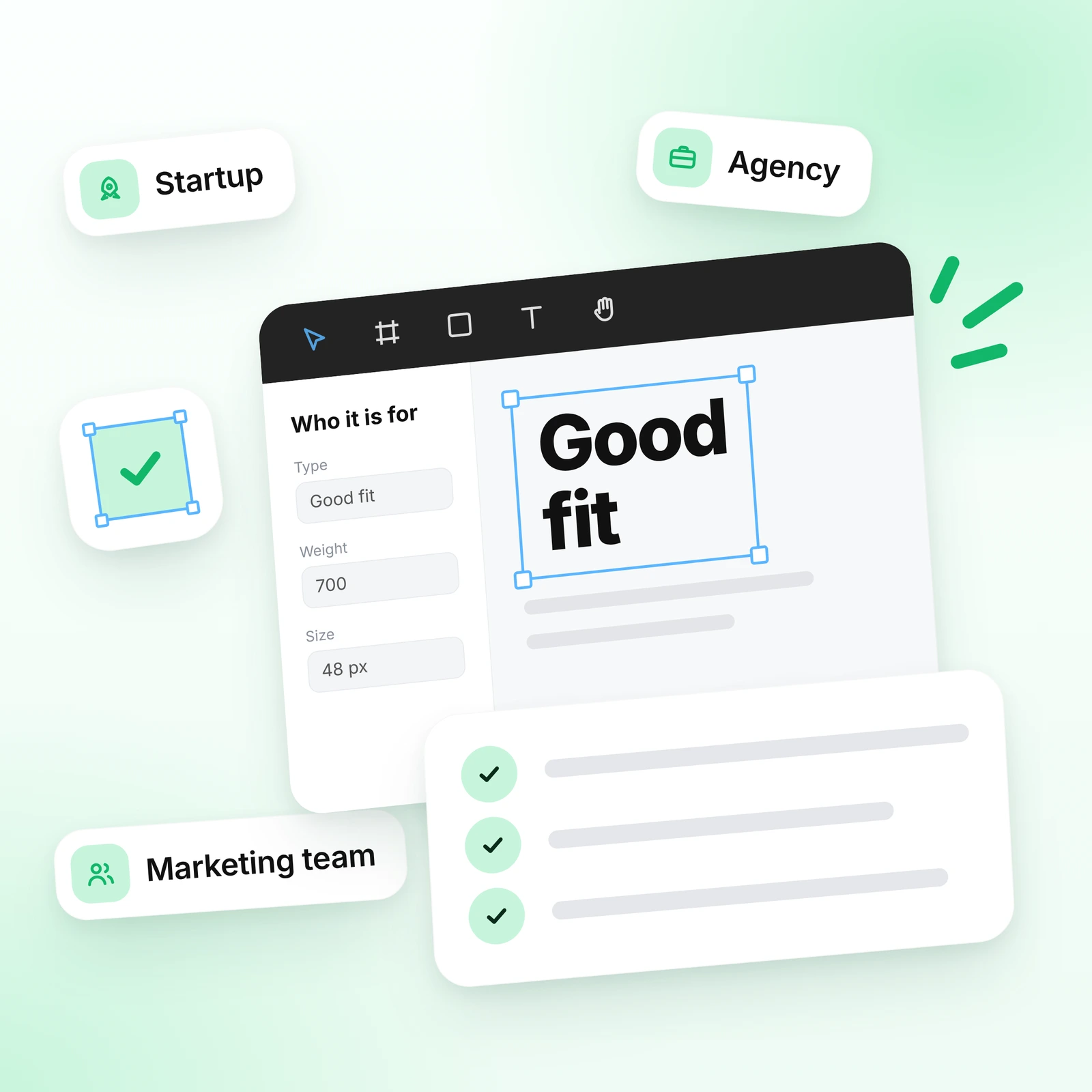
Good fit

A good fit if

  • You have a WordPress blog, landing page or business website and want an easier way to edit it.
A good fit if to webflow
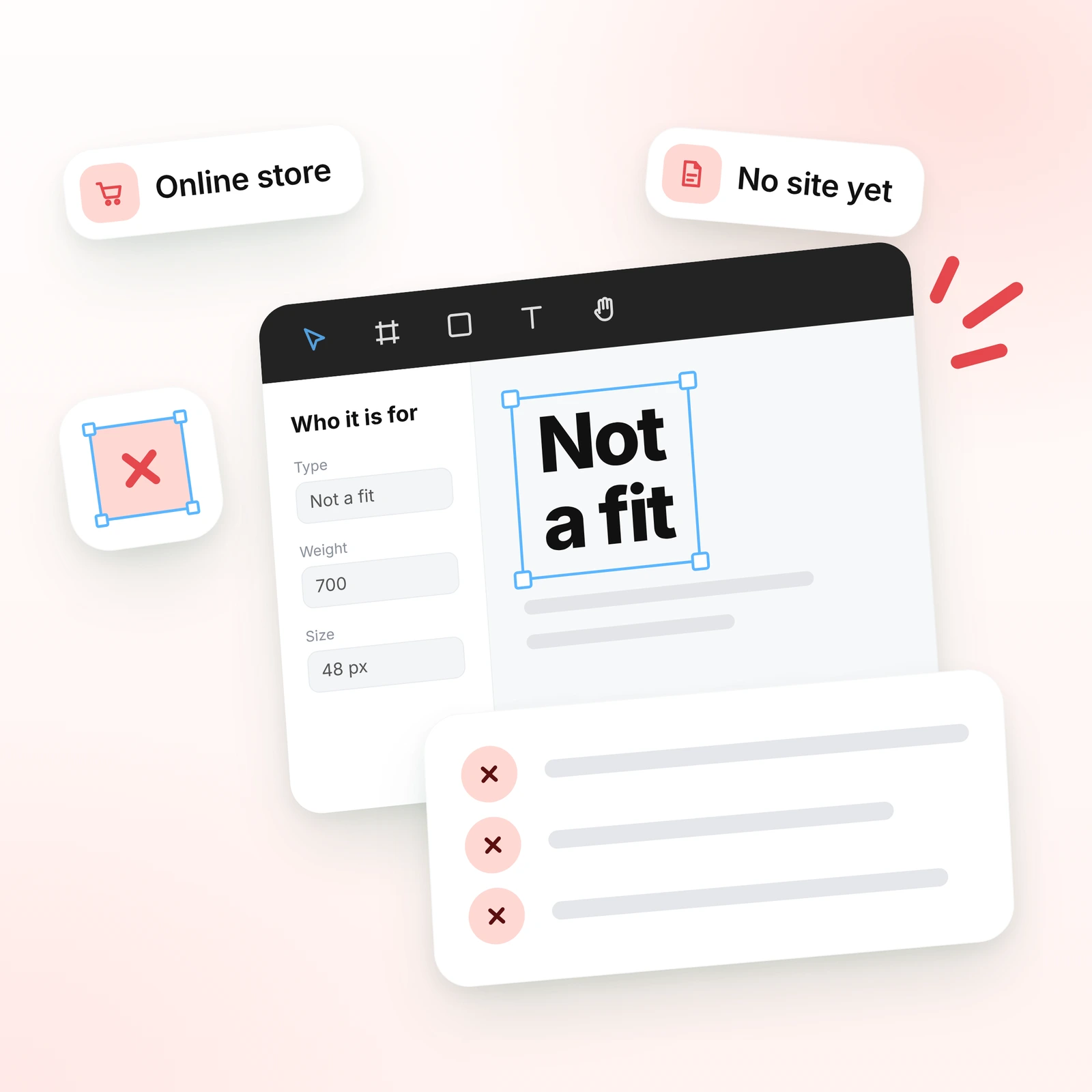
Not a fit

Not the right service if

  • You have an online store (WooCommerce or similar). I do not build online stores.
Not the right service webflow

Why move from WordPress to Webflow

Most people move because their WordPress site has become hard to update and keep safe. Here is what changes in Webflow.
Fewer plugins
Easy editing
Clean code
Built-in SEO
Visual CMS
No plugin updates
Secure hosting
One platform
Full control
Faster pages

Fewer plugins to manage

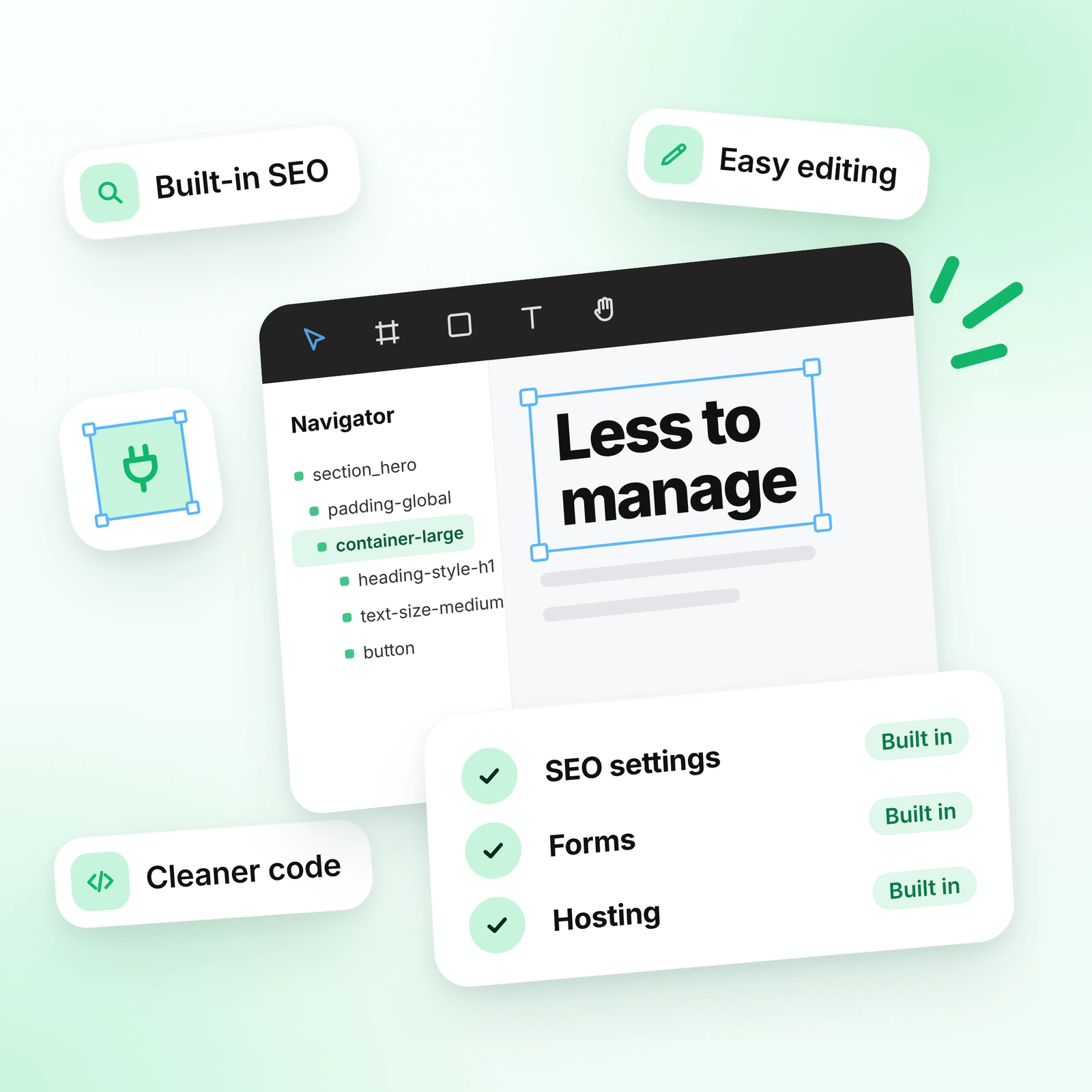
SEO settings, forms and hosting are built into Webflow, so you do not need many plugins that need updates.

Content your team can edit

Your team changes text, images and CMS items in the Editor without touching the layout.

Cleaner code

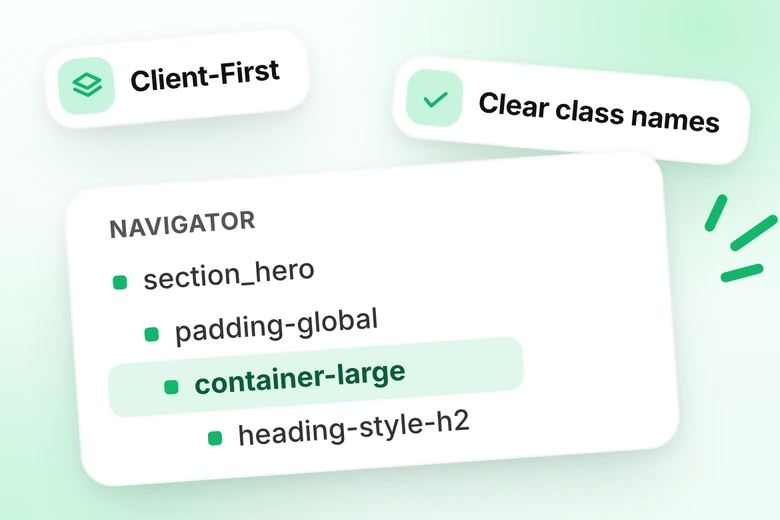
I rebuild the site with Client-First, so there are no extra classes left from plugins and page builders.

One place for everything

Design, CMS and hosting live in one Webflow workspace that you own.
Webflow Navigator with clean Client-First classes and SEO, forms and hosting built in

What I migrate

I move everything that matters for your visitors and for Google.

Pages and design

Every page is rebuilt in Webflow, and your design is moved over. I improve it where it helps.

Blog posts and CMS content

Articles, cases and other content become CMS collections with the same fields.

Images and files

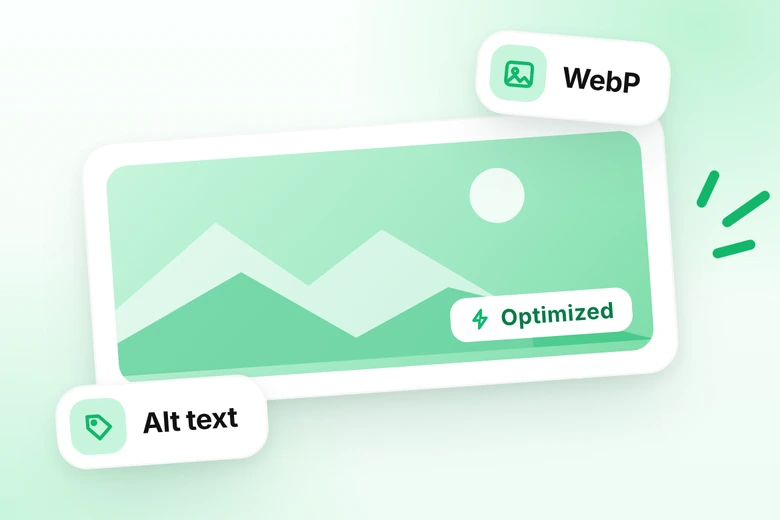
Images are optimized and get alt text. Links inside the content are kept.

Titles and descriptions

Meta data is moved page by page, with the same URLs.

Forms and integrations

Contact forms are rebuilt in Webflow. Complex integrations are connected with Zapier.

Multilingual sites

I set up Webflow Localization, add extra languages, and check key words by hand after the automatic translation.

How the WordPress to Webflow migration works

The migration follows 10 clear steps. Your old site stays live until the new one is built and tested, and you know what is happening at every stage.

Free site review

Send me a link to your site. I look at it and reply within one working day, often within an hour.

Backup and baseline

I save a full backup of your old site. I also record your current titles, descriptions and Search Console data, so we can compare the results after launch.

CMS plan

I plan collections and fields from your old site. If it helps your SEO, I add new fields.

Content and meta data

I move texts, images, links, titles and descriptions. For a few pages I do it by hand, and for many pages I use CSV import.

Testing

I check pages, links, forms and devices on a test link. Your old site stays live during this time.

Plan and access

We agree on the scope, price and timeline. You give me access to your current site, your Webflow workspace and your domain settings.

Audit and URL list

I check every page and list the URLs that matter for your traffic and rankings.

Build

I build the pages with Client-First and keep the same URLs. I move your design and improve it where needed. The site works on all devices.

SEO setup and redirects

I prepare the 301 redirects, canonical tags, sitemap, alt text and structured data before the site goes live.

Launch and monitoring

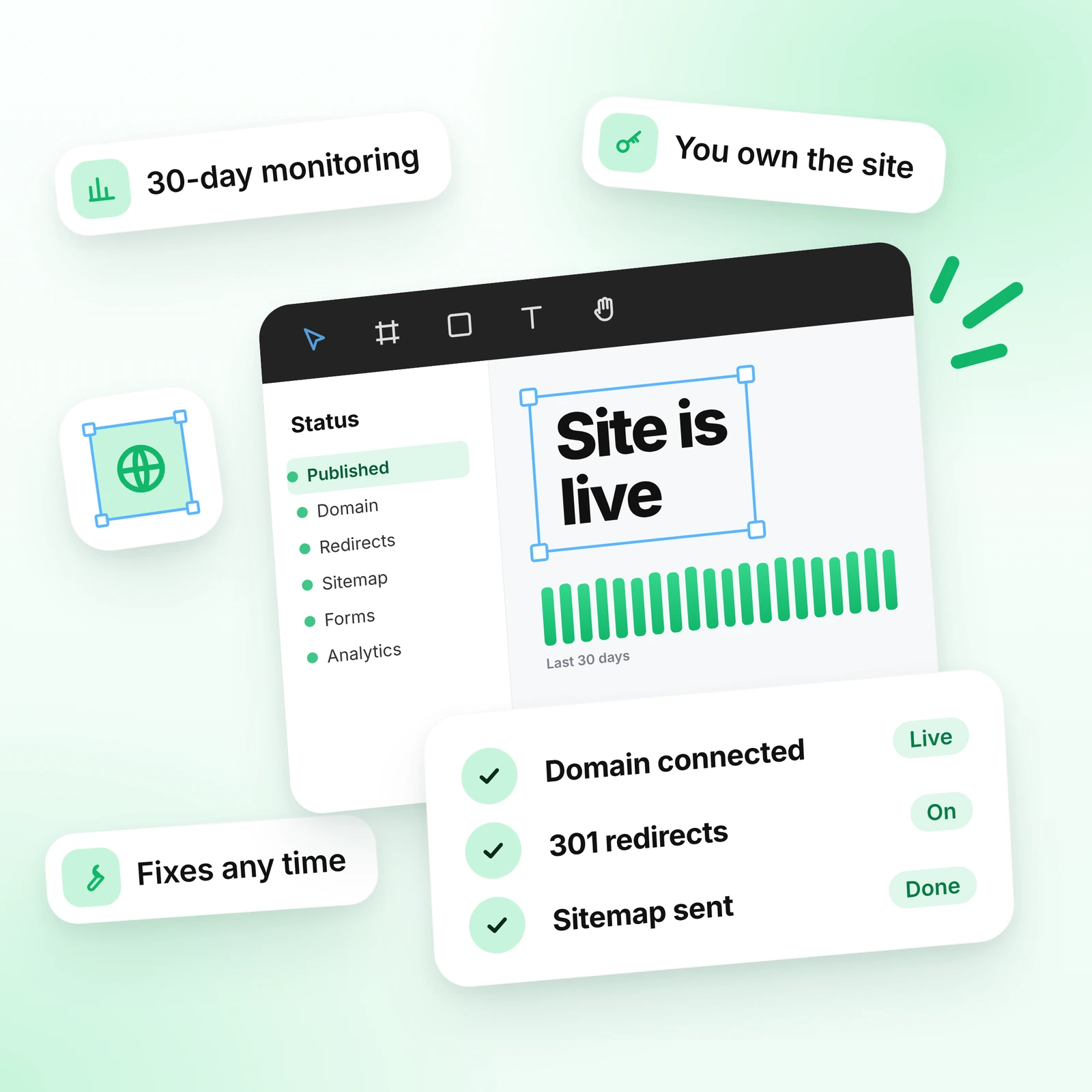
I connect your domain, turn on the 301 redirects and send the sitemap to Google. Then I monitor your site for 30 days.

How I keep your SEO safe

No one can promise that rankings will stay exactly the same after a migration. What I can do is the full SEO work that keeps the drop as small as possible.
Same URLs where it matters

Same URLs where it matters

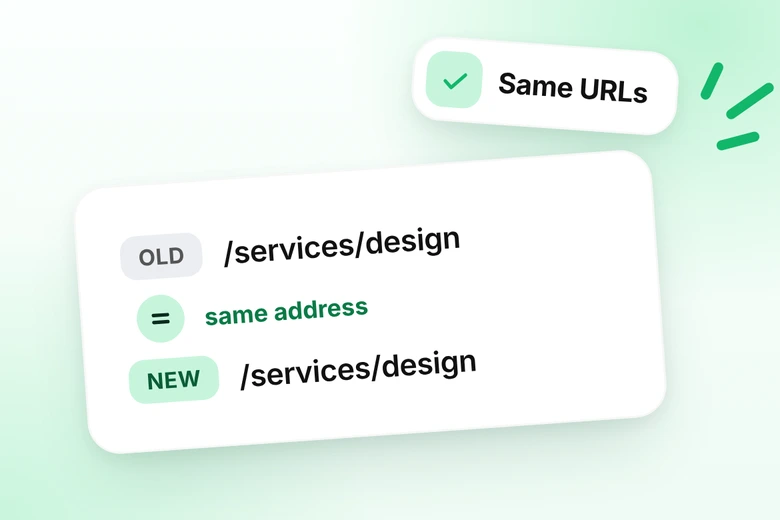
Important pages, blog posts and articles keep the same URL.
301 redirects

301 redirects

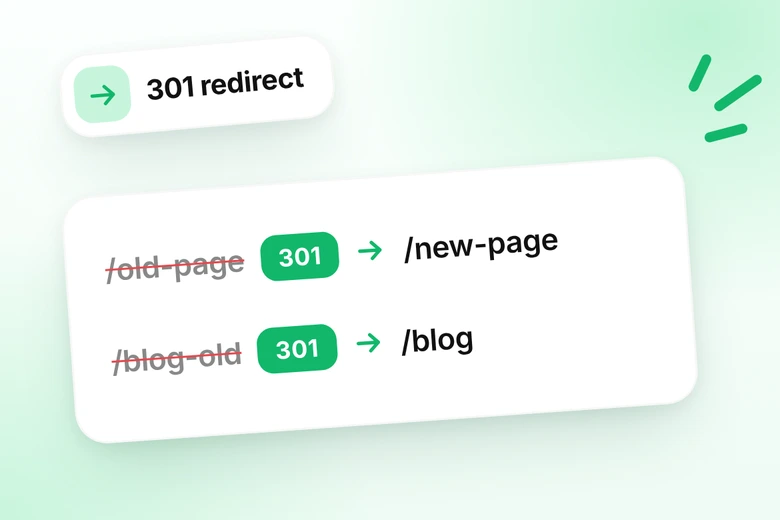
Pages you no longer need are redirected to the closest matching page, not all to the home page. Keep these redirects in place.
Titles, descriptions and headings

Titles, descriptions and headings

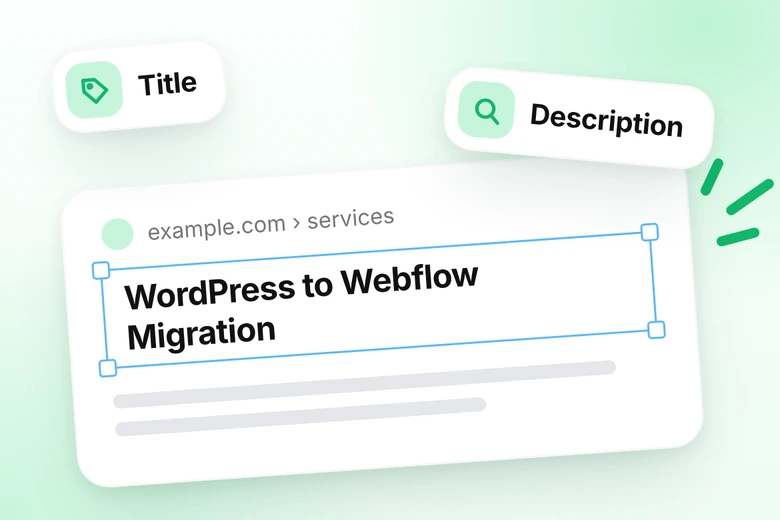
I move them over and check every page.
Canonical, sitemap and Search Console
Canonical, sitemap and Search Console

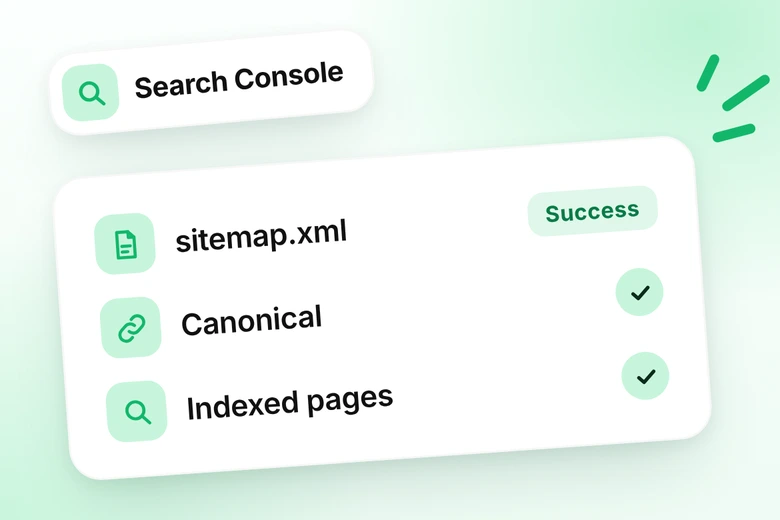
I set them up, send the sitemap to Google and check for errors.
Images, alt text and speed

Images, alt text and speed

I optimize images, add alt text and check page speed.
Structured data

Structured data

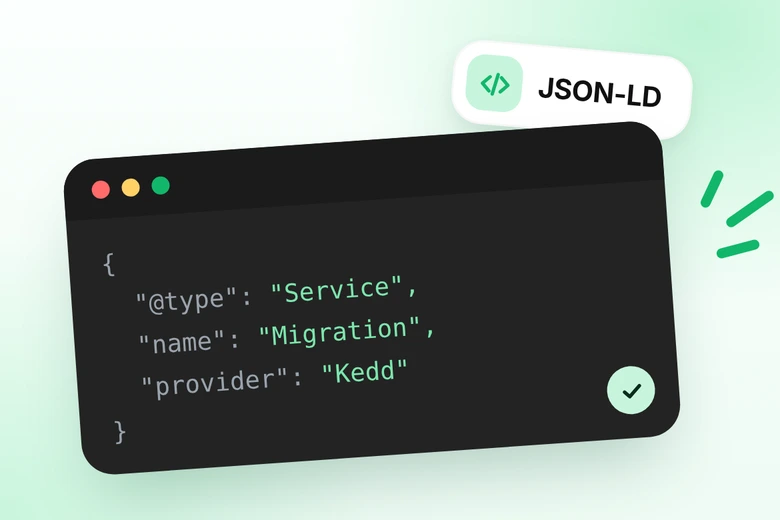
I add JSON-LD markup to the pages.

How WordPress content becomes Webflow CMS

The CMS is the part of a migration that people worry about most. Here is how I match your WordPress content to Webflow.
How WordPress content becomes Webflow CMS
In WordPressIn WebflowWhat I do
PostsCMS collection: Blog PostsSame fields and the same URL pattern, so old article links keep working.
CategoriesCategory collection or Option fieldEach post keeps its category. Category pages get their own title and description.
TagsMulti-reference fieldTags stay connected to posts, so related content still works.
Custom post typesOwn CMS collection for each typeCases, services, team or events each get a collection with the right fields.
Custom fields (ACF)CMS fieldsText, rich text, image, link, switch or reference fields, matched to the old fields.
AuthorsAuthors collectionEach post is linked to its author with a reference field.
Featured images and mediaImage fields and AssetsImages are optimized to WebP and get alt text.
Yoast or Rank Math dataSEO title and description fieldsTitles and descriptions are moved page by page, and CMS items get their own SEO fields.
PagesStatic pagesSame URL for every important page, built with Client-First.
MenusNavbar and footer ComponentsBuilt once and reused on every page.
In Webflow, your team adds and edits content in the CMS without touching the layout.

What happens to your WordPress plugins

You do not need most WordPress plugins in Webflow, because many of their jobs are built in. Here is what replace seach one.
What happens to your WordPress plugins
WordPress pluginIn WebflowHow I set it up
SEO plugins (Yoast, Rank Math)Built-in SEO settingsTitle, description, Open Graph, canonical, sitemap and noindex are set for every page.
Redirect plugins301 redirects in WebflowOld URLs that change are redirected to the closest matching page.
Form plugins (WPForms, Contact Form 7)Webflow FormsForms with email notifications, and a CRM connection through Zapier if needed.
Page builders (Elementor, Divi)Webflow DesignerThe layout is rebuilt with Client-First, so there is no extra code from the builder.
Speed and caching pluginsWebflow hostingHosting with a CDN is included. I also optimize images and scripts.
Security plugins and SSLWebflow hostingSSL and updates are handled by Webflow, so there are no plugin updates for you to manage.
Analytics pluginsGA4 or Google Tag ManagerAdded in the custom code settings.
Sliders, popups and animationsWebflow Interactions and ComponentsBuilt in the Designer, with no extra plugin.
Multilingual plugins (WPML, Polylang)Webflow LocalizationExtra languages are set up. I can auto-translate, then check key words by hand.
Complex integrationsZapierConnected to the tools you use, checked at the free site review.
WooCommerceNot offeredI do not build online stores.
If you use a plugin that is not on this list, send me its name at the free site review and I will tell you what replaces it.

Same design, an improved design or a new one?

You choose how much changes. Most clients start with their current design.

Same design, rebuilt cleanly

WordPress sites often carry many extra classes from plugins and page builders. I rebuild your design with Client-First, so it looks the same but the code is clean.
Same Look, Cleaner Code
Client-First Class Names

Improved design

I fix spacing, structure and mobile layouts where the old site is weak. The new site often works better on phones than the old one.
Fix Spacing and Structure
Improve Mobile Layouts
Update Weak Sections
Keep Your Brand Style

New design

If your old design looks outdated, I can suggest a new one. If you already have a new design in Figma, see Figma to Webflow.
Outdated layout
Mixed styles and spacing
One clear design system
I am a designer and Webflow developer. I have moved about 30 websites to Webflow, so I know what a good new design needs to keep: your content, your URLs and your SEO.

WordPress to Webflow migration pricing

Prices are in US dollars. After the free site review you get a clear quote.

Small website

For a small business or personal site with a few pages and no blog.
from $1,200
/ 1–2 weeks

Business website

For a business or startup site with a blog and regular content. Everything in Small website, plus:
from $3,000
/ 3–4 weeks

Large website

For a big site with many pages and dynamic content. Everything in Business website, plus:
from $6,000
/ 5–8 weeks

Launch day: what happens

The new site is built and tested on a test link while your old site stays live. Then we switch.

Before launch

I check every page, link, form and meta tag, and prepare the list of redirects and the sitemap.

On launch day

I connect your domain (I need access to your DNS), publish the site, turn on the 301 redirects and test the key pages and forms. A short delay is possible while the domain change spreads.

After launch

I send the sitemap to Google and check Search Console for errors. Keep your old hosting until I confirm that everything works.

After the site is live

You get a fully migrated site with all the pages you need, the design, responsive layouts and basic SEO setup. I monitor it for 30 days after launch. I also record a short video and, when needed, write a guide, so your team can edit the site alone. See how I hand over a Webflow site.
The site belongs to you and stays in your Webflow workspace. You pay for your Webflow plan and hosting. If something needs fixing, message me at any time, also after the project is finished. Need help later with updates or new pages? See Webflow support and maintenance.
After the site is live

Why work with me

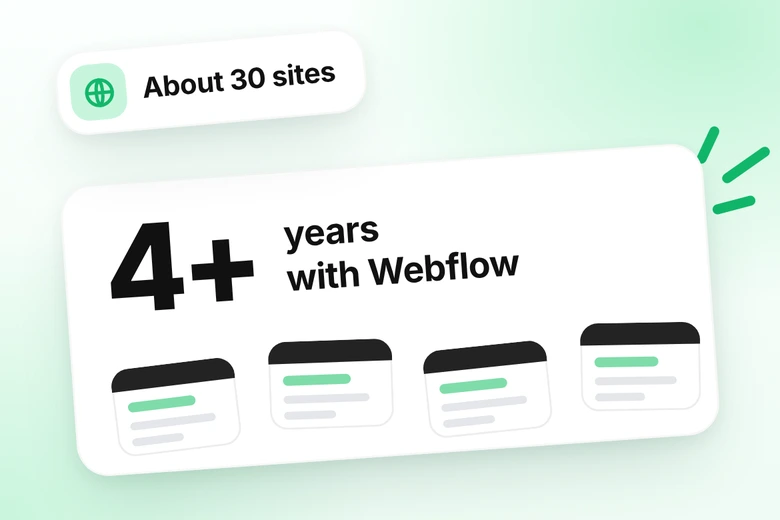
Webflow designer with 4+ years of experience and about 30 websites moved to Webflow

4+ years with Webflow

I have moved about 30 websites to Webflow, and I keep the important URLs so that traffic and positions are protected.
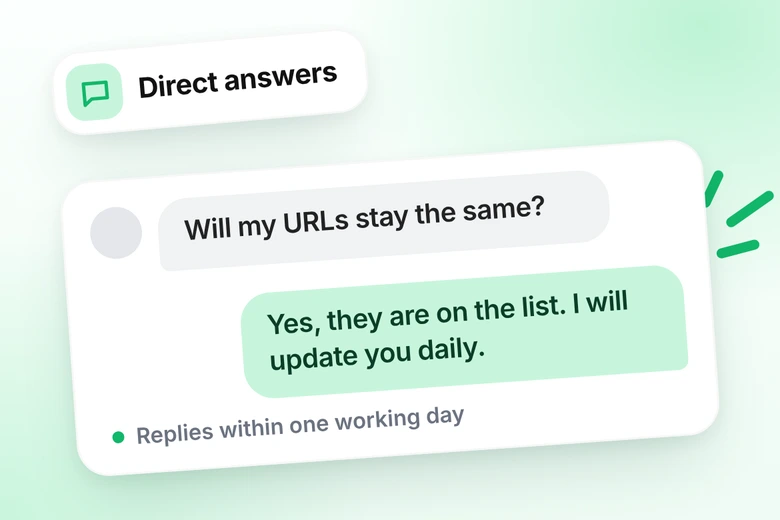
Chat with a Webflow developer who answers a question about keeping URLs

You talk to the person who builds

No account managers. You get direct answers and clear progress updates.
Webflow Navigator with clean Client-First class names

Clean Client-First build

The new site has clear class names and a simple structure, so it is easy to edit and grow.

Built with Client-First: my work

Most client migration projects are private, so I show my own Webflow templates and case studies. They show how I plan CMS collections and build with Client-First.

WordPress to Webflow migration FAQ

Quick answers about moving a WordPress site to Webflow, from SEO and redirects to plugins and pricing.

Will I lose my Google rankings if I migrate from WordPress to Webflow?

No one can guarantee that rankings stay exactly the same. I do everything to protect them: I keep the important URLs, set 301 redirects, move titles and descriptions, set up canonical and sitemap, and watch Search Console for 30 days. When it is done right, the drop is minimal.

How long does a WordPress to Webflow migration take?

A small site takes 1–2 weeks, a business site with a blog takes 3–4 weeks, and a large site with several CMS collections takes 5–8 weeks. The time also depends on how fast I get your content and access.

How much does a WordPress to Webflow migration cost?

Prices start from $1,200 for a small site, $3,000 for a business site and $6,000 for a large site. Everything is included except copywriting. You also pay for your Webflow plan and hosting. Send me your site for a free review and a clear quote.

Can Webflow handle my blog and custom post types?

Yes. Your posts become a CMS collection with the same fields and the same URL pattern. Each custom post type gets its own collection. If it helps your SEO, I can add new fields.

What happens to my WordPress plugins?

You do not need most of them. SEO settings, 301 redirects, forms, hosting and SSL are built into Webflow. For complex integrations I use Zapier. Send me the list of your plugins and I will tell you what replaces each one.

Can you migrate an online store (WooCommerce)?

No, I do not build online stores. For shops, other platforms are often a better and cheaper choice.

Will my site go offline during the migration?

No. The new site is built and tested on a test link while your old site stays live. When we switch the domain there can be a short delay, and I need access to your DNS to do it.

Do I keep my domain and URLs?

Yes. You keep your domain, and the important pages and blog posts keep the same URLs. Pages that are removed or changed get a 301 redirect to the closest matching page.

Can you migrate a multilingual website?

Yes. I set up Webflow Localization and add the other languages. I can use automatic translation and then check the key words by hand.

Who owns the site, and who pays for hosting?

You do. The site stays in your Webflow workspace, and you pay for your Webflow plan and hosting directly. If something needs fixing, you can message me at any time.