
Webflow Case Studies & Practical Guides
Webflow Best Practices
Webflow Template Customization
Webflow SEO & AI Optimization
Webflow Template Customization
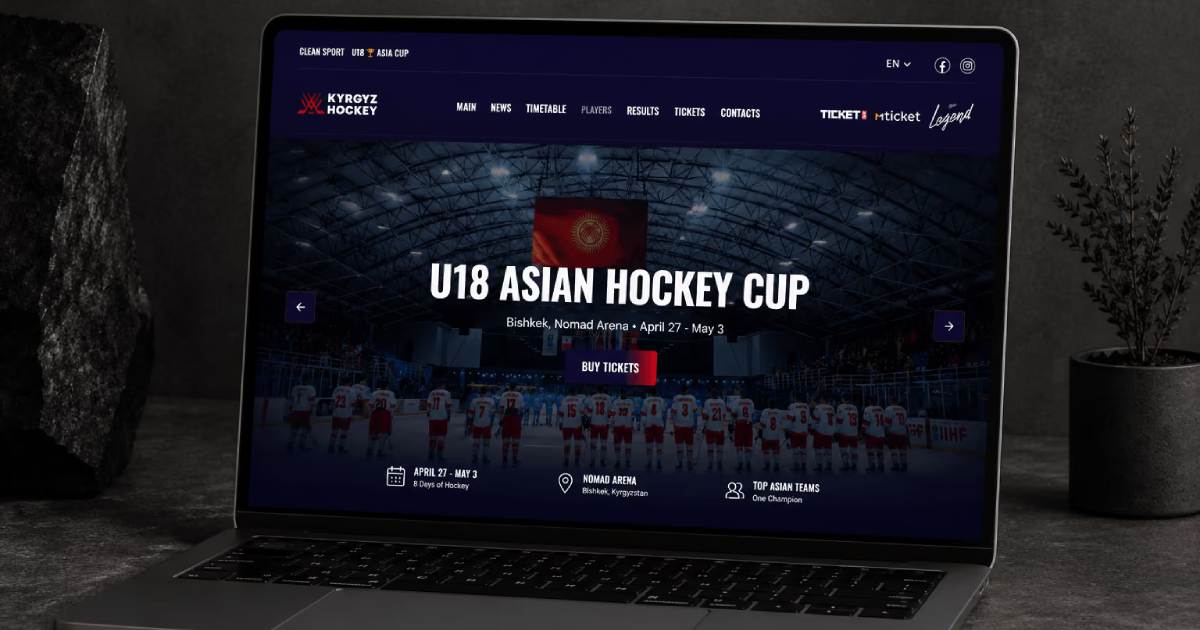
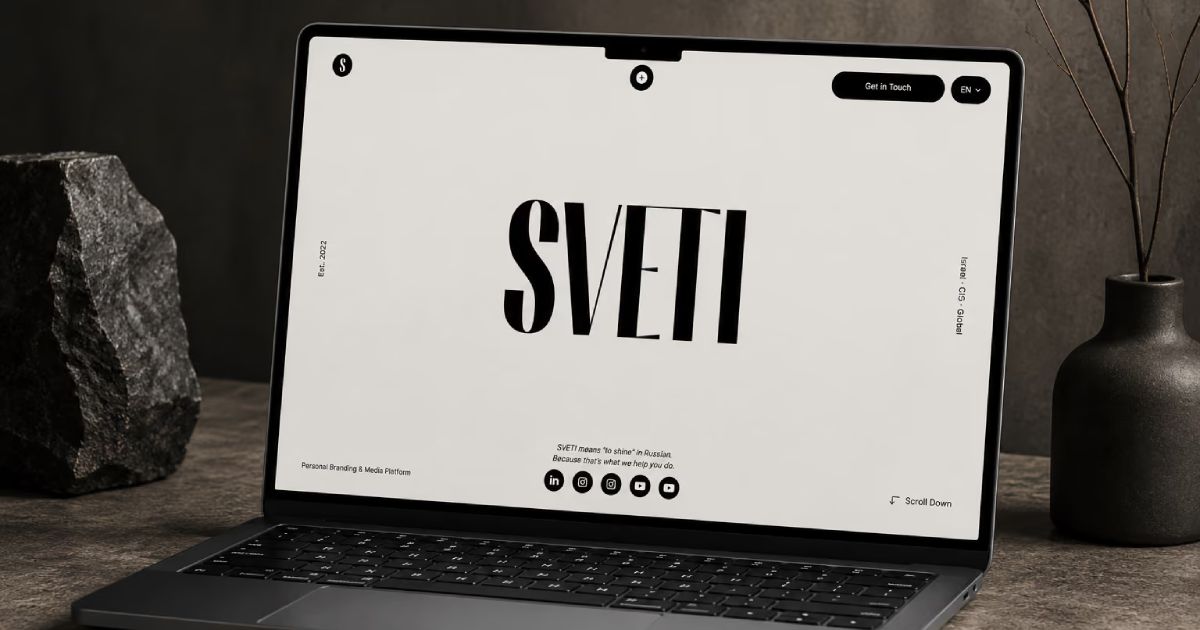
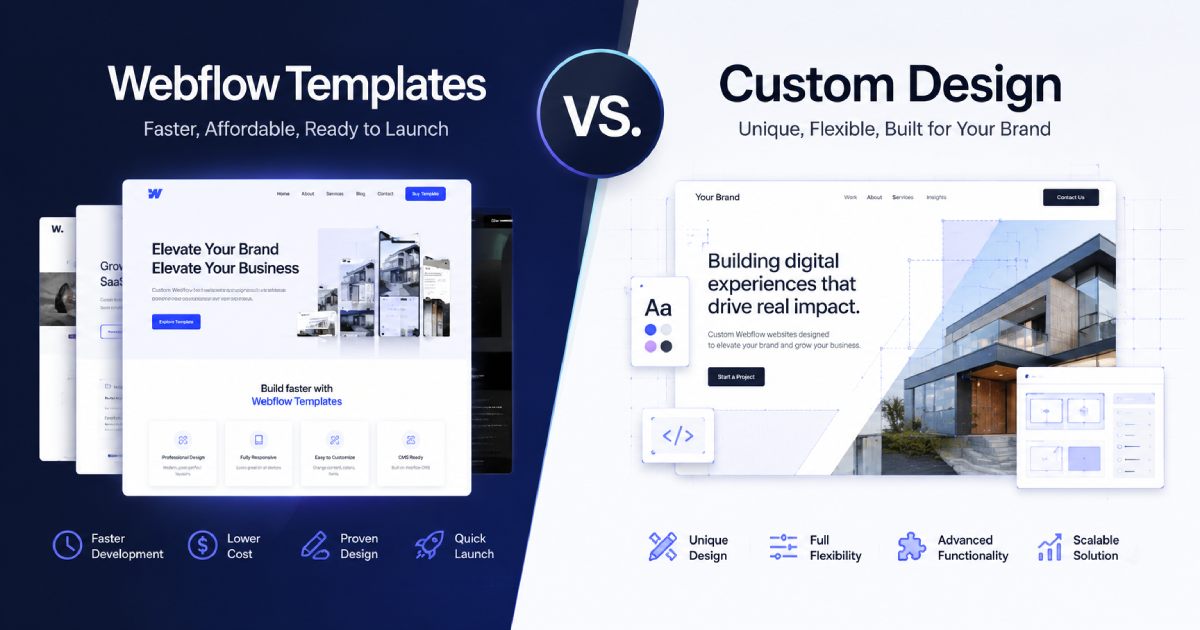
Webflow Template
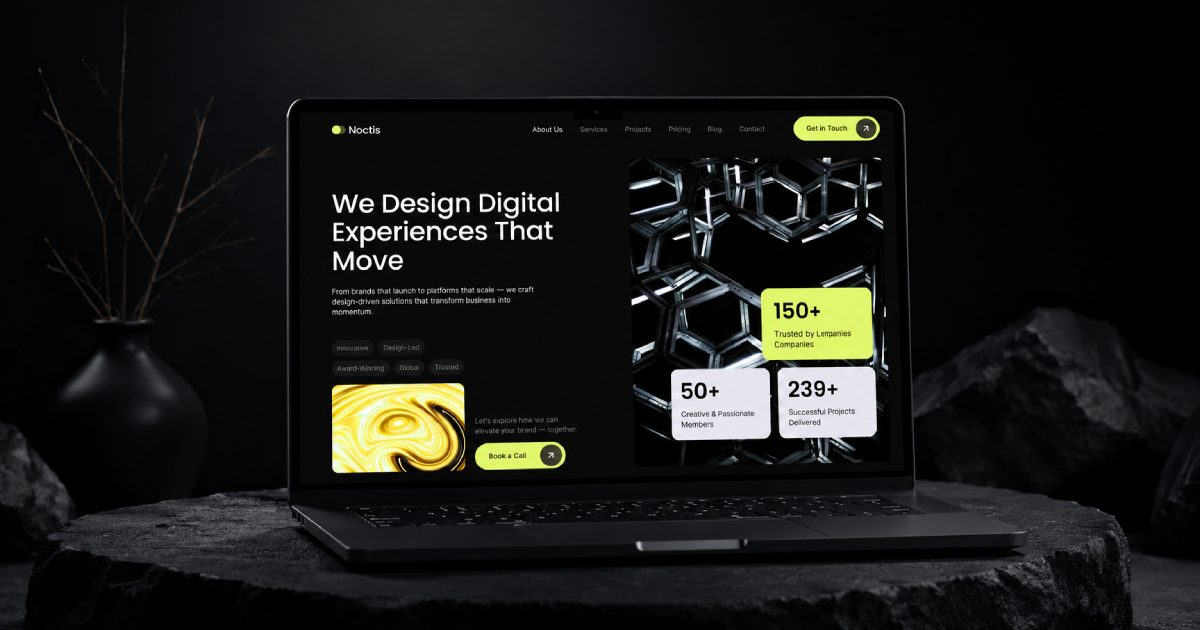
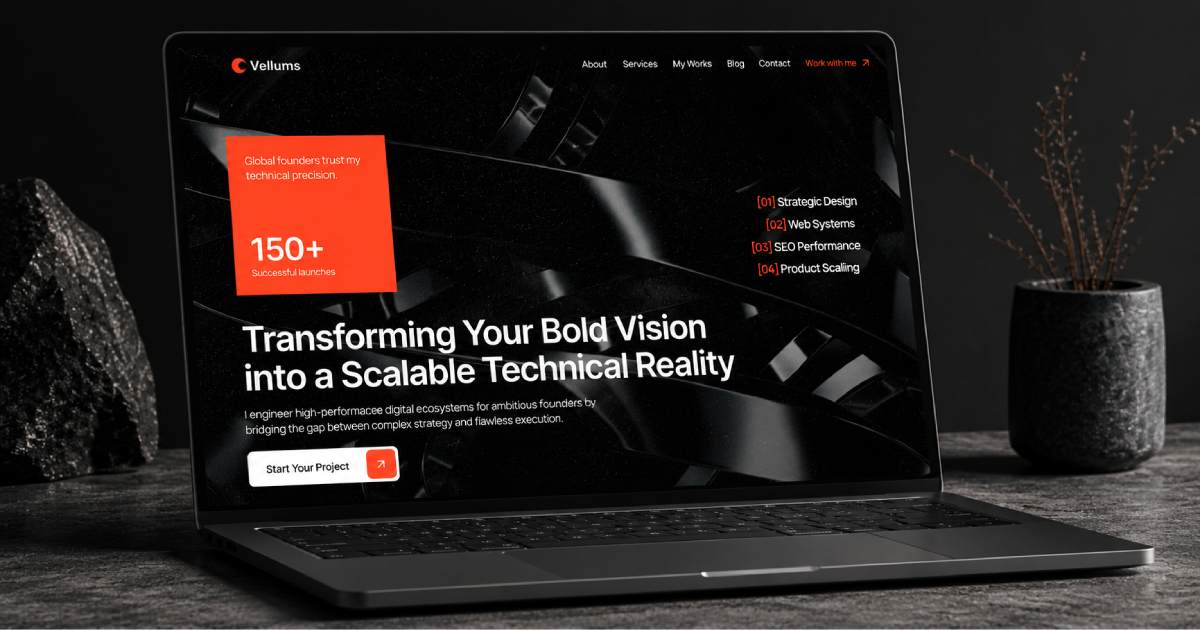
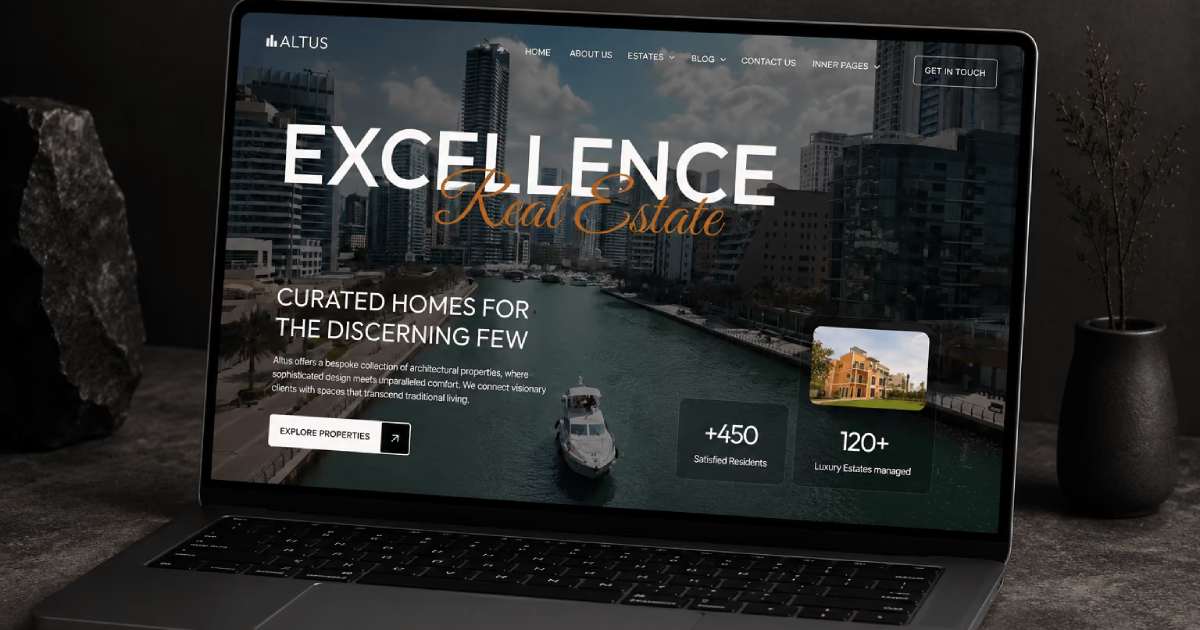
Webflow Development

Webflow Case Studies FAQ

Why should I read Webflow case studies instead of regular tutorials?
Regular Webflow tutorials often teach individual features and basic workflows. Webflow case studies go further by showing how real projects are planned, built, optimized, and improved.
Experienced Webflow developers and template creators share practical solutions, common mistakes, development decisions, and proven workflows that may not be covered in standard tutorials.
Learning from real Webflow projects can help you solve problems faster, improve your workflow, and build better websites.
What practical Webflow skills can I learn from these articles?
These Webflow case studies cover practical skills that you can apply to real website projects.
You can learn about:
- Webflow template customization
- Webflow CMS architecture
- Client-First methodology
- Webflow SEO optimization
- Schema.org structured data
- Website performance optimization
- Responsive Webflow development
- Scalable Webflow website architecture
- AI-friendly website structure
Many of these topics go beyond basic Webflow tutorials and focus on real development challenges and practical solutions.
Do the case studies include Client-First and Webflow CMS best practices?
Yes. Many case studies explain how to use the Client-First methodology to organize Webflow classes, components, variables, and page structure.
The articles also cover Webflow CMS best practices, including:
- Scalable CMS Collection architecture
- Dynamic CMS pages
- Reusable Components
- Structured content
- Content management for growing websites
These practices can help make a Webflow project easier to understand, customize, maintain, and scale.
Will these guides help me build scalable Webflow websites?
Yes. The guides focus on practical Webflow development techniques that can help you build scalable and easier-to-maintain websites.
You can learn how to:
- Create reusable Webflow Components
- Organize your Webflow project
- Build scalable CMS structures
- Improve website performance
- Make future updates easier
- Add new pages and content without rebuilding the website
These Webflow best practices can be useful for personal websites, business websites, Webflow templates, and client projects.
Are these articles suitable for both beginners and experienced Webflow developers?
Yes. The articles are written for both beginners and experienced Webflow developers.
Beginners can learn better workflows and understand how professional Webflow projects are structured from the start.
Experienced developers can discover advanced techniques, optimization methods, Webflow SEO strategies, and professional best practices for building high-quality websites.
Each article focuses on practical knowledge that can be applied to real Webflow projects.
How can these Webflow case studies improve my workflow?
These Webflow case studies provide practical knowledge that you can apply directly to your own projects.
You can discover better development workflows, learn how to structure projects with Client-First, build scalable CMS Collections, and optimize Webflow websites for SEO and performance.
The case studies also explore how to structure website content so it can be easier for search engines and AI systems to understand.
The goal is to help you work faster, keep projects organized, avoid common mistakes, and build professional Webflow websites with more confidence.
Do KEDD Design case studies cover Webflow SEO?
Yes. KEDD Design case studies cover practical Webflow SEO topics that can help improve website visibility and search engine understanding.
Topics may include:
- SEO titles and meta descriptions
- Image optimization
- ALT text
- Schema.org structured data
- Semantic HTML
- CMS SEO fields
- Open Graph data
- Internal linking
- Technical SEO
- Website content structure
Some case studies also explain how to structure Webflow websites so search engines can better understand the content and relationships between different pages.
Do the case studies cover AI optimization for Webflow websites?
Yes. KEDD Design case studies explore how Webflow websites can be optimized for both search engines and AI systems.
We examine practical SEO strategies, content improvements, website structure, and additional pages or sections that can help a website cover more relevant search queries and become easier to understand.
The case studies also explore new approaches that may help websites work better with AI-powered search and AI assistants such as ChatGPT, Gemini, and Claude.
You can find real examples based on completed Webflow templates and projects, including practical website structures, optimization techniques, recommended improvements, and common mistakes to avoid.
The goal is to help make Webflow websites more discoverable, understandable, and useful for both traditional search engines and modern AI systems.