
Webflow Template Customization
More Articles About This Topic
Frequently Asked Questions About Webflow Template Customization

What are Webflow best practices?
Webflow best practices are proven methods for building clean, scalable, and easy-to-manage websites.
They include using:
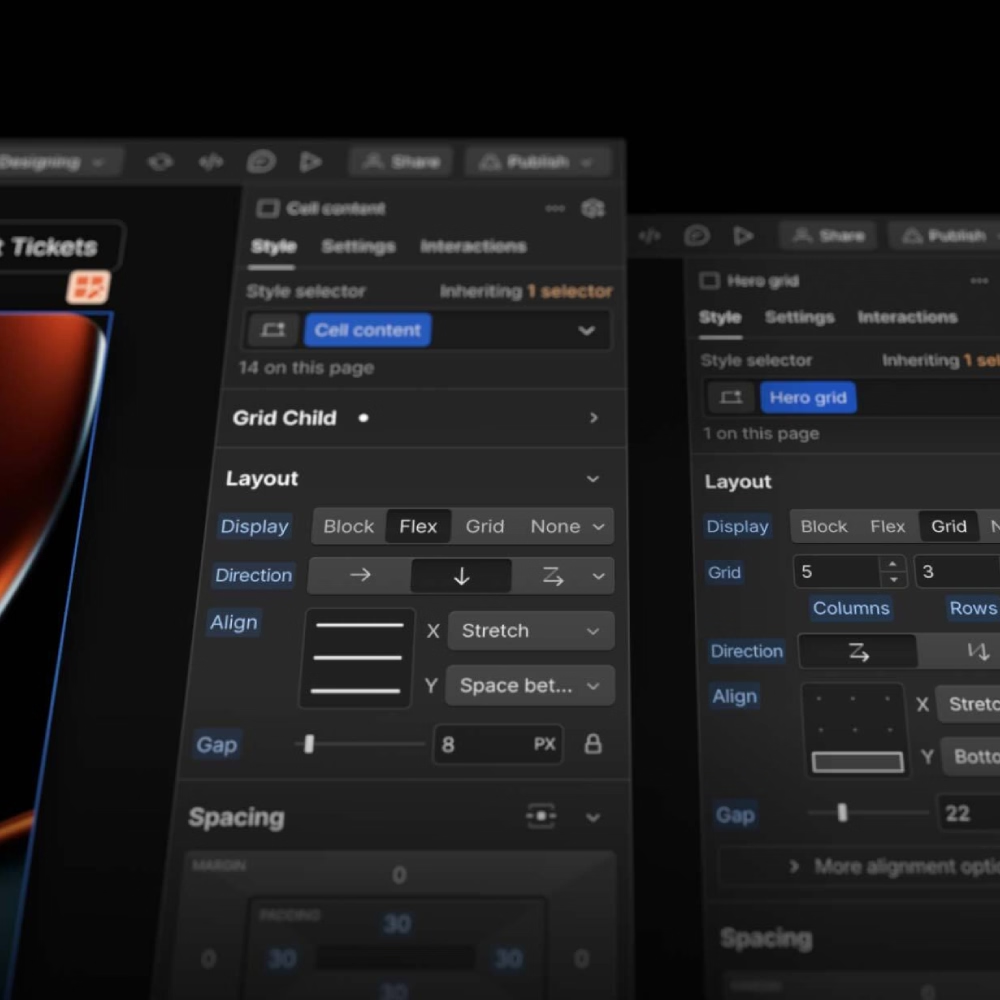
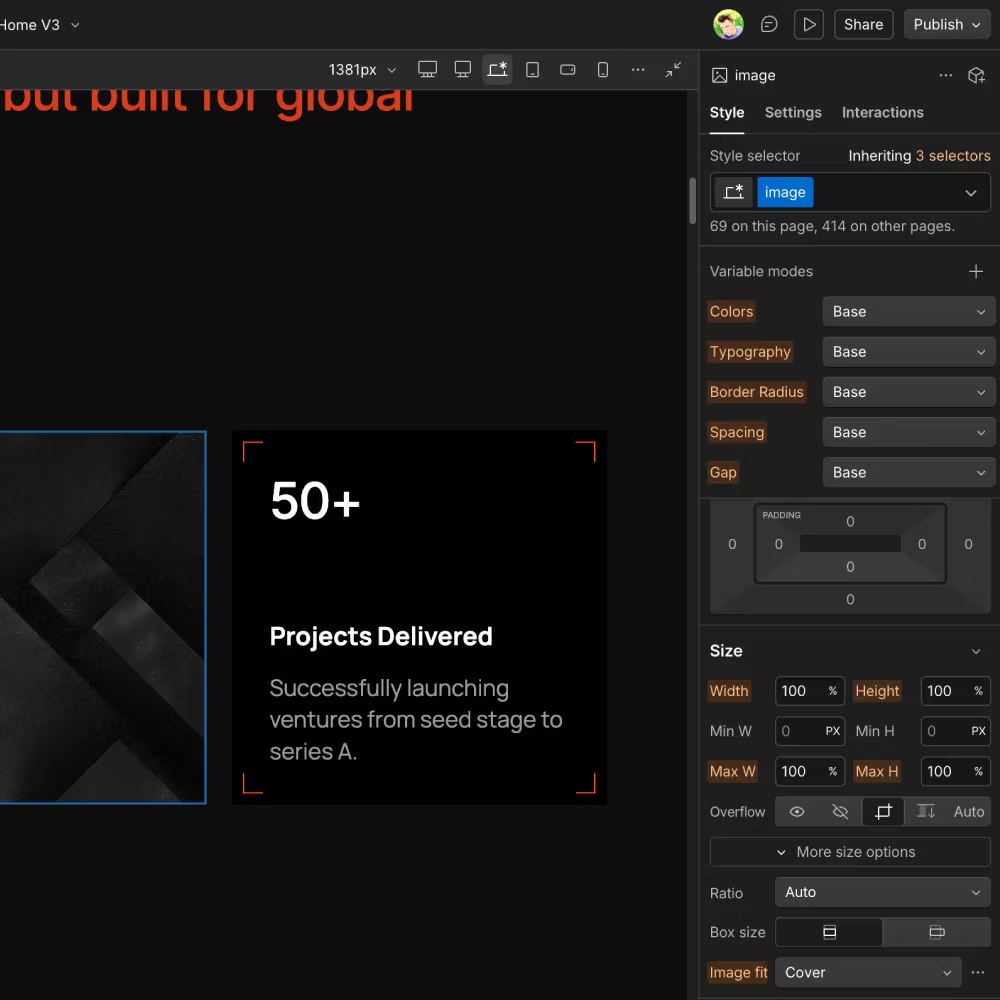
- Global variables
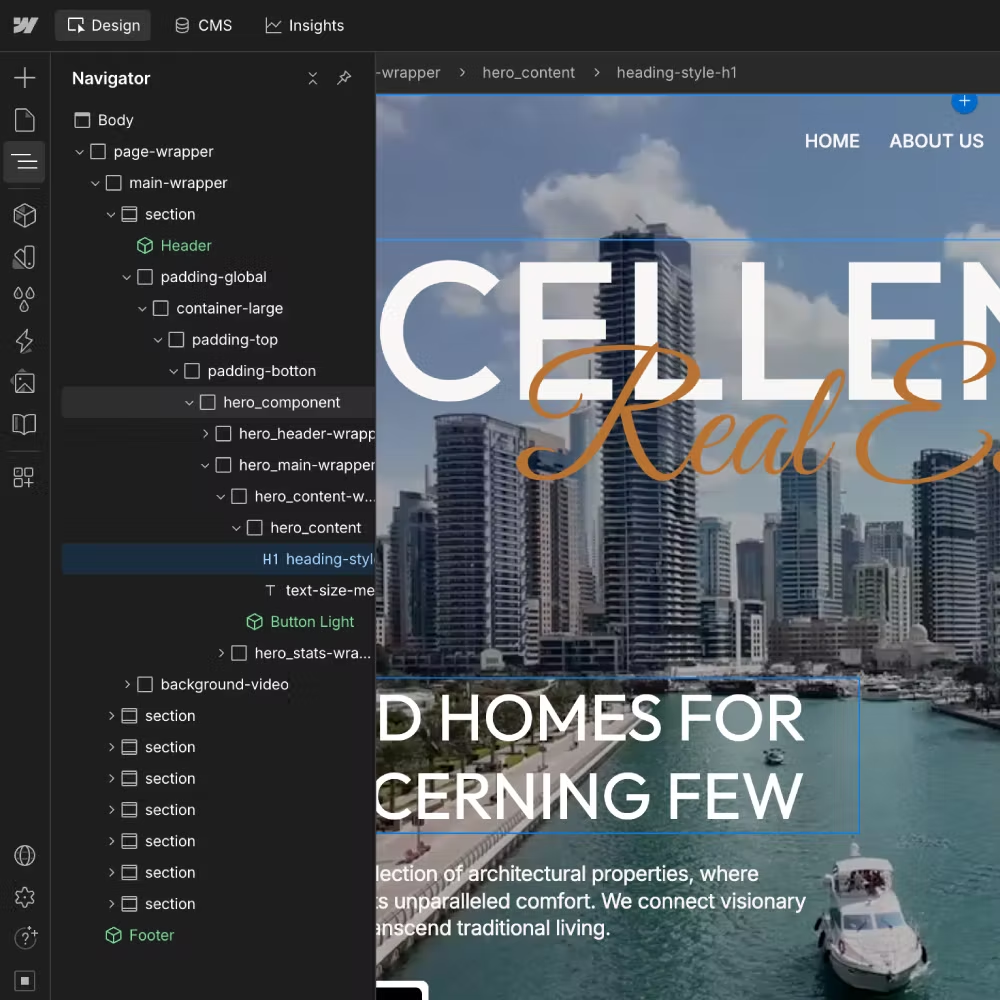
- The Client-First class naming system
- Reusable components
- Semantic HTML structure
- SEO best practices
Following these standards helps you create professional Webflow websites that are easier to maintain and grow.
Why are Webflow best practices important?
Following Webflow best practices makes your website easier to manage, update, and expand. A well-structured project allows you to edit content faster, add new pages without problems, and keep your website organized as your business grows.
What is the Client-First methodology in Webflow?
Client-First is a class naming methodology created by Finsweet.
It provides a clear structure for:
- Classes
- Spacing
- Reusable components
- CMS collections
Using Client-First makes every Webflow project easier to understand, maintain, and scale, whether you work alone or with a team.
How can I improve the performance of my Webflow website?
You can improve Webflow performance by using reusable components, global variables, and optimized images. It is also important to remove unused custom code or replace it with built-in Webflow features whenever possible.
A clean project structure helps your website load faster and stay easier to maintain.
Do Webflow best practices improve SEO?
Yes. Webflow best practices help improve SEO by creating clean semantic HTML, using a proper heading structure, optimizing images, adding Schema.org structured data, writing unique meta titles and descriptions, and organizing CMS collections correctly.
These improvements make your website easier for both search engines and AI assistants to understand.
Can beginners follow Webflow best practices?
Yes. Beginners should learn Webflow best practices from the beginning.
Starting with a clean structure, Client-First, reusable components, and global variables will help you build websites that are easier to update, maintain, and scale as your skills improve.