What Is a Free Webflow Template?
Free Webflow templates are templates available on the Webflow Marketplace at no cost. You can choose a template you like, add it to your Webflow Workspace, and use it for your website without paying for the template.
Free Webflow templates are available in many different categories, so there are options for different types of websites and businesses. If you explore the available templates, you can find some very good designs and useful starting points for your website.
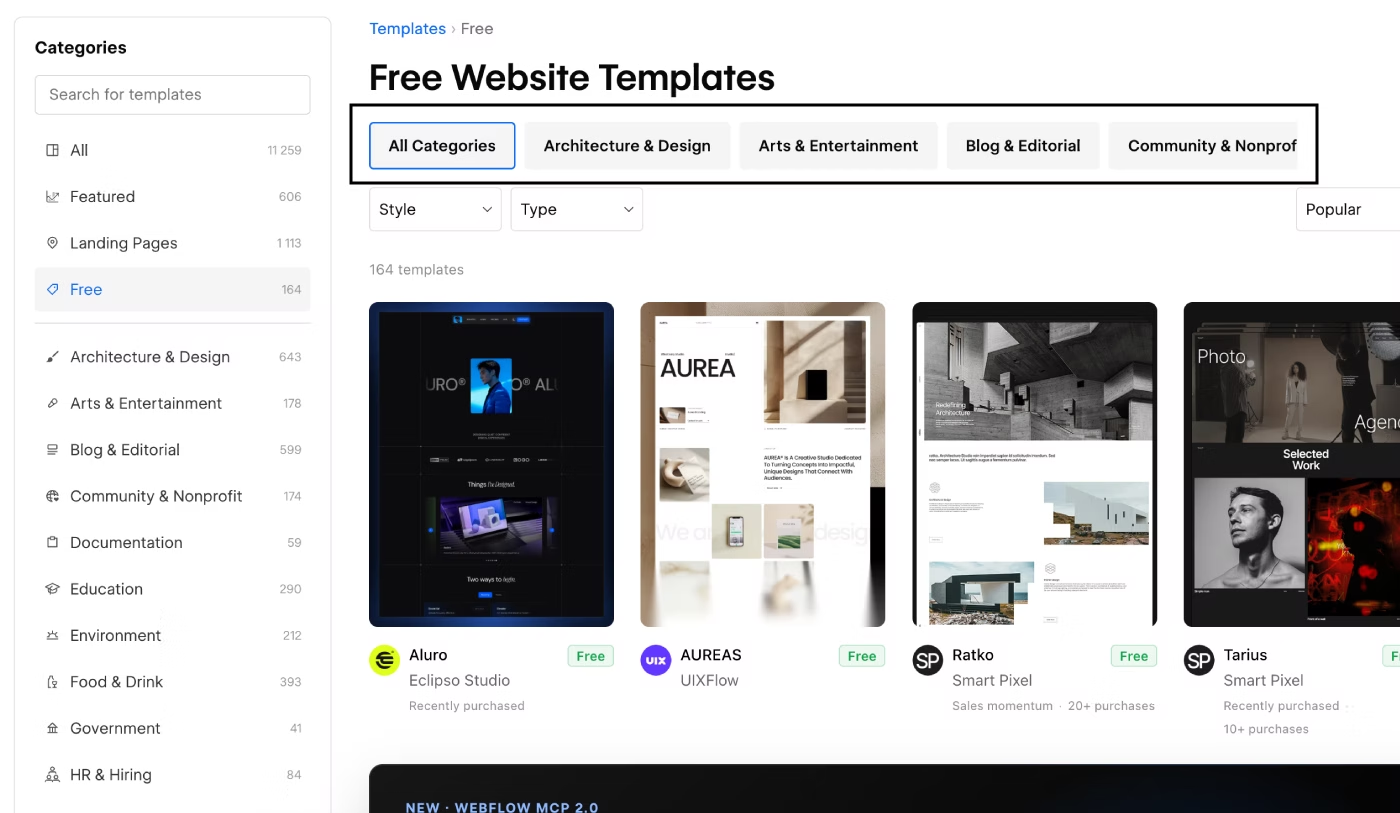
Some of the popular categories include:
- Architecture & Design
- Education
- HR & Hiring
- Home Services
- Personal
- Portfolio & Agency
- Professional Services
- Real Estate
- Technology
It is important to understand that a free Webflow template is not necessarily a low-quality template or a template with many errors. Free templates also go through the Webflow Marketplace review process, just like paid templates.
This means you can get a fully functional Webflow template for free. However, free templates can have some limitations compared with premium Webflow templates. We will look at these differences later in this guide.
What Is a Premium Webflow Template?
Premium Webflow templates are paid templates available on the Webflow Marketplace. There are many more options to choose from, with templates covering a wide range of website categories and business needs.
Unlike free Webflow templates, premium templates require payment. Their prices can vary depending on the features, number of pages, CMS collections, layouts, and other functionality included in the template.
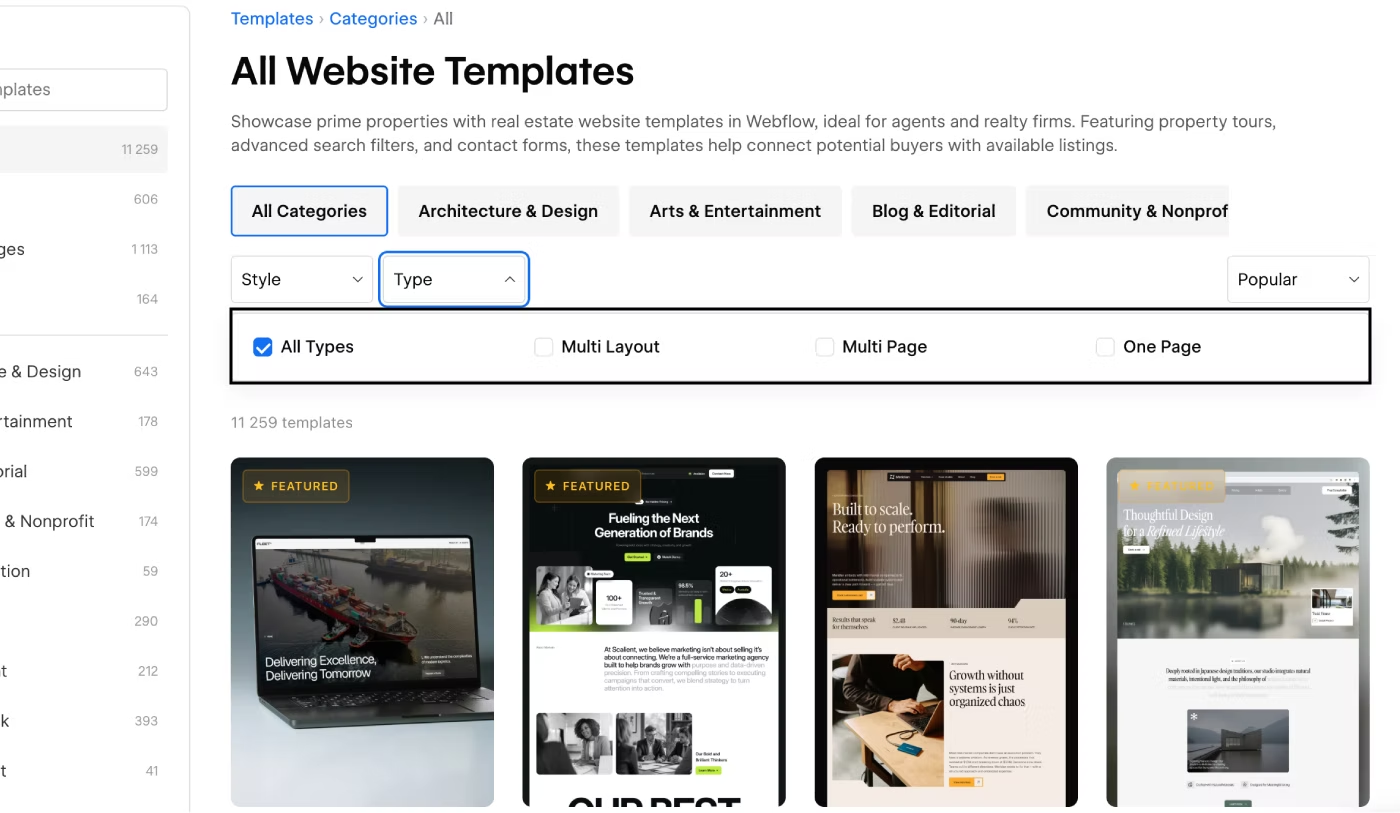
Some of the main factors that can affect the price include:
- Landing Page — the template includes only one main page.
- Multi-Page — the template includes multiple pages.
- Multi-Layout — the template includes multiple versions of the homepage and other pages.
- CMS Collections — the number and complexity of CMS collections can affect the price.
- Ecommerce — Webflow Ecommerce templates can cost more because they include online store functionality.
Because of these differences, Webflow template prices can vary significantly.
However, you should not assume that a $39 Webflow template is worse than a $129 template. A higher price does not automatically mean better design or better development quality. The price often reflects the scope and amount of functionality included in the template.
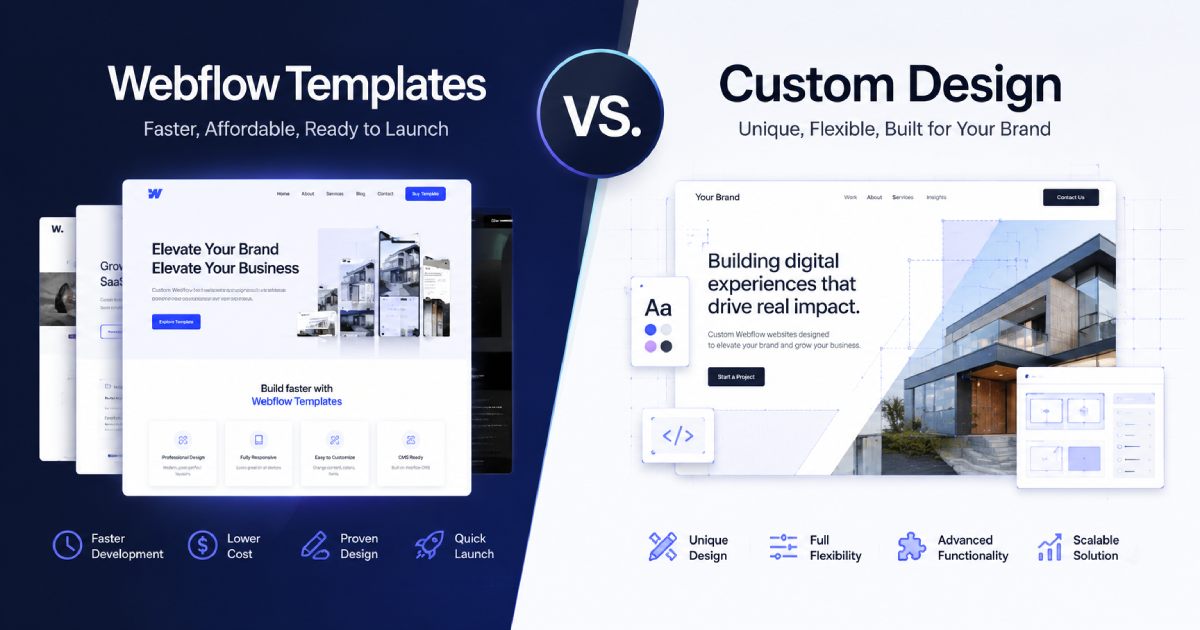
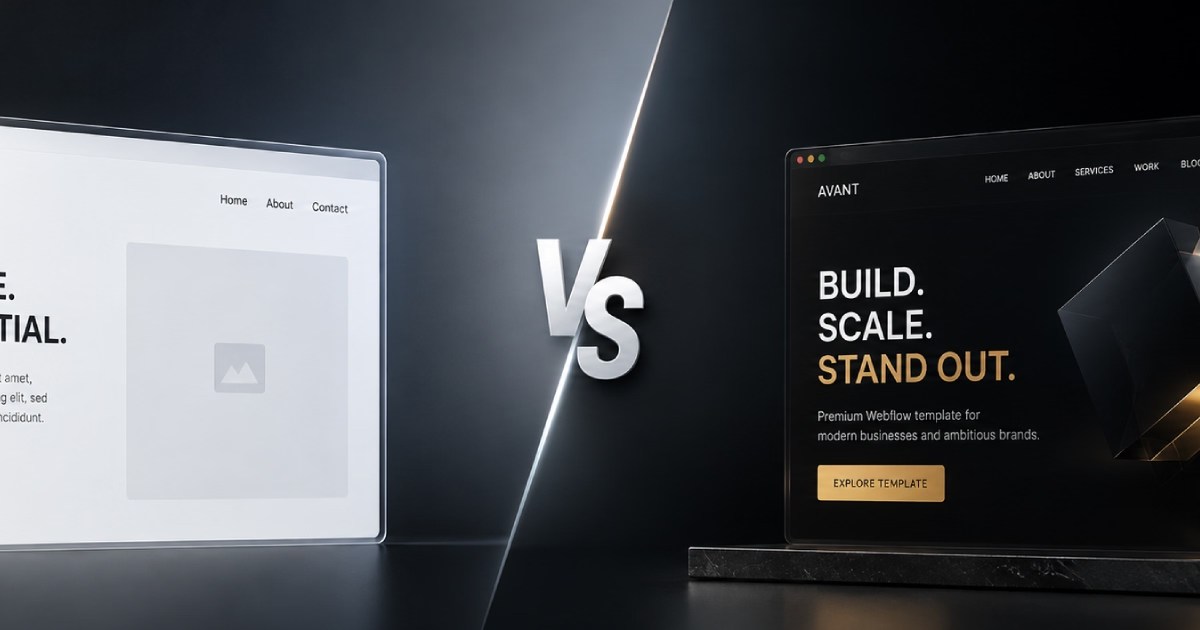
Free vs Premium Webflow Templates: Key Differences
Before comparing free and premium Webflow templates, you should first understand what you need the template for. If you are just starting to learn Webflow and want a template to practice with, a free Webflow template can be a very good option.
With a free template, you can:
- See how the website was built.
- Learn how the Webflow template is structured.
- Study the development methodology.
- Explore how Webflow animations and interactions are created.
- Understand how CMS Collections are structured.
- Test the responsive design across different devices.
If you need a more advanced Webflow template with a larger page structure, more features, more CMS collections, and a more developed design system, a premium template may be a better choice. Now let's look at the main differences between free and premium Webflow templates.
If you need a free template for a portfolio, we recommend choosing our Layout template.
Design Quality and Page Structure
I do not want to say that free Webflow templates have poor design or poor structure. That is not necessarily true. The main difference is usually the scope of the template.
A free Webflow template may have a simpler design, fewer sections, and fewer page variations. When a designer creates a free template, the goal is often to provide a useful starting point, demonstrate their design and development skills, and introduce their work to potential clients.
The page structure can also be smaller. For example, a free template may include only three or four main sections or a limited number of pages. This does not mean that the template is poorly built. It can still follow the Webflow Marketplace requirements and provide a solid foundation for a website.
However, if you need a larger page structure, you may need to add new sections and pages yourself or hire a Webflow developer to expand the template.
CMS and Content Management
Premium Webflow templates can include several CMS Collections with a larger number of fields designed for different types of content.
Common Webflow CMS Collections include:
- Projects
- Case Studies
- Blog
- Portfolio
- Services
Free Webflow templates may include only one or two CMS Collections, with a smaller number of fields for managing content.
This can become important if you plan to expand and scale your website in the future. A more developed Webflow CMS structure can make it easier to manage larger amounts of content as your website grows.
Webflow Variables and Design Systems
The difference between free and premium templates can also be seen in their design systems and Webflow Variables. Both types of templates can use Variables, but free templates may include a smaller set of variables.
For example, a free template may have only a few options for spacing, margins, and padding. A premium Webflow template may include a much more detailed spacing system with many reusable values. A well-developed design system can make website customization and future scaling much easier.
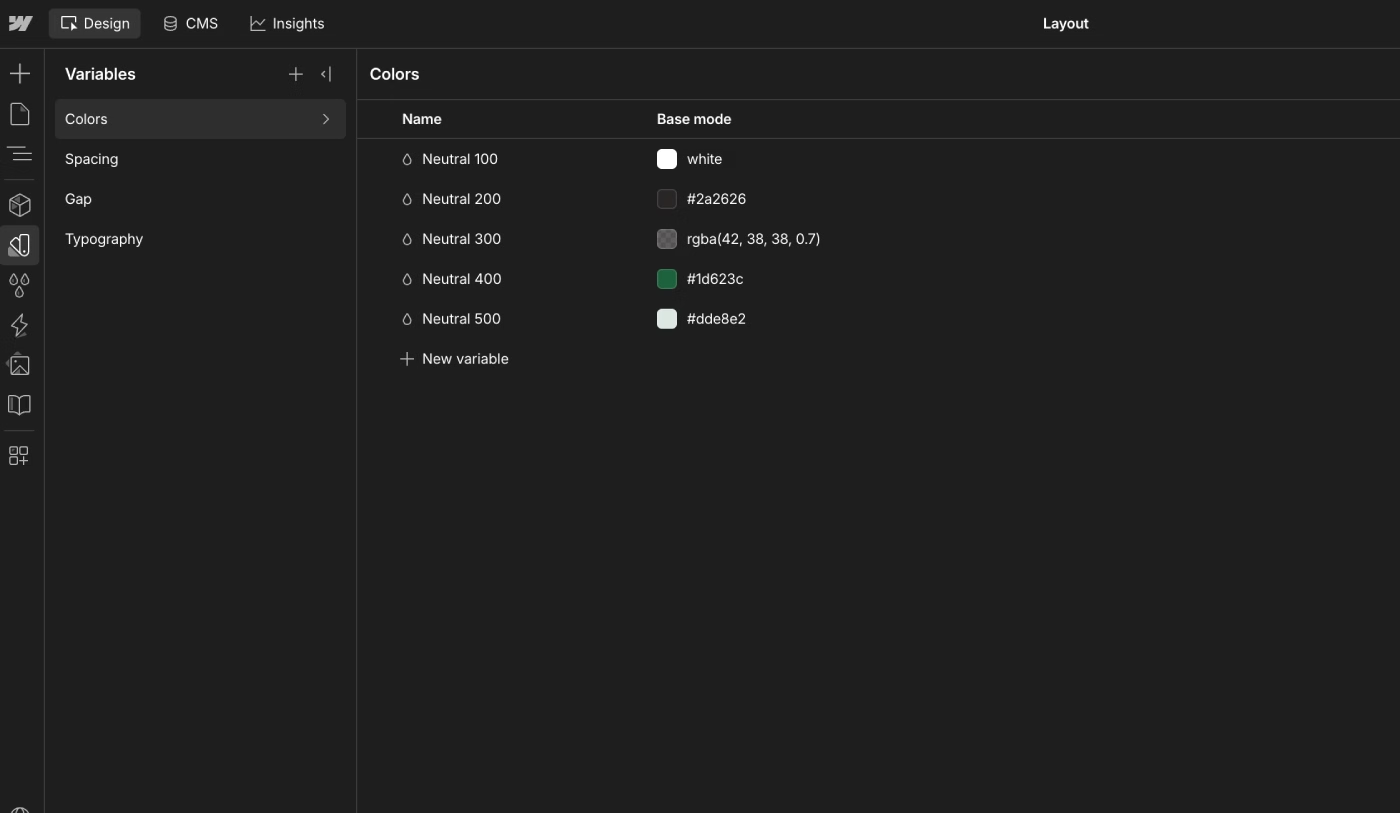
With a free template, you may need to add your own Webflow Variables as you customize the design because the existing system may not include everything you need.
Responsive Design
Responsive design is important for every Webflow template, regardless of whether the template is free or premium. The website should display correctly across desktop, tablet, and mobile devices. Content should remain easy to read and navigation should remain usable on smaller screens.
You should also test the responsive layout after adding your own content. New text, images, sections, and CMS content can change the layout and create new responsive issues.
SEO and Performance
Basic SEO settings should be available in both free and premium Webflow templates.
Important elements include:
- SEO title
- Meta description
- Open Graph settings
- Proper heading structure
- Image alt text
However, you should check whether SEO fields are available for all important pages and CMS Collections. For example, each CMS item should ideally have separate fields for the SEO title and H1 heading when the content structure requires them.
In some free templates, these fields may not be separated or may be missing from certain CMS Collections. In premium Webflow templates, a more complete SEO structure is more common. At KEDD Design, for example, we use separate fields for the SEO title and H1 when building our template CMS structures.
Performance is also important. Images, animations, interactions, and other assets should be optimized so the Webflow website loads efficiently.
Components and Reusable Sections
Webflow Components make it easier to reuse and manage common website elements.
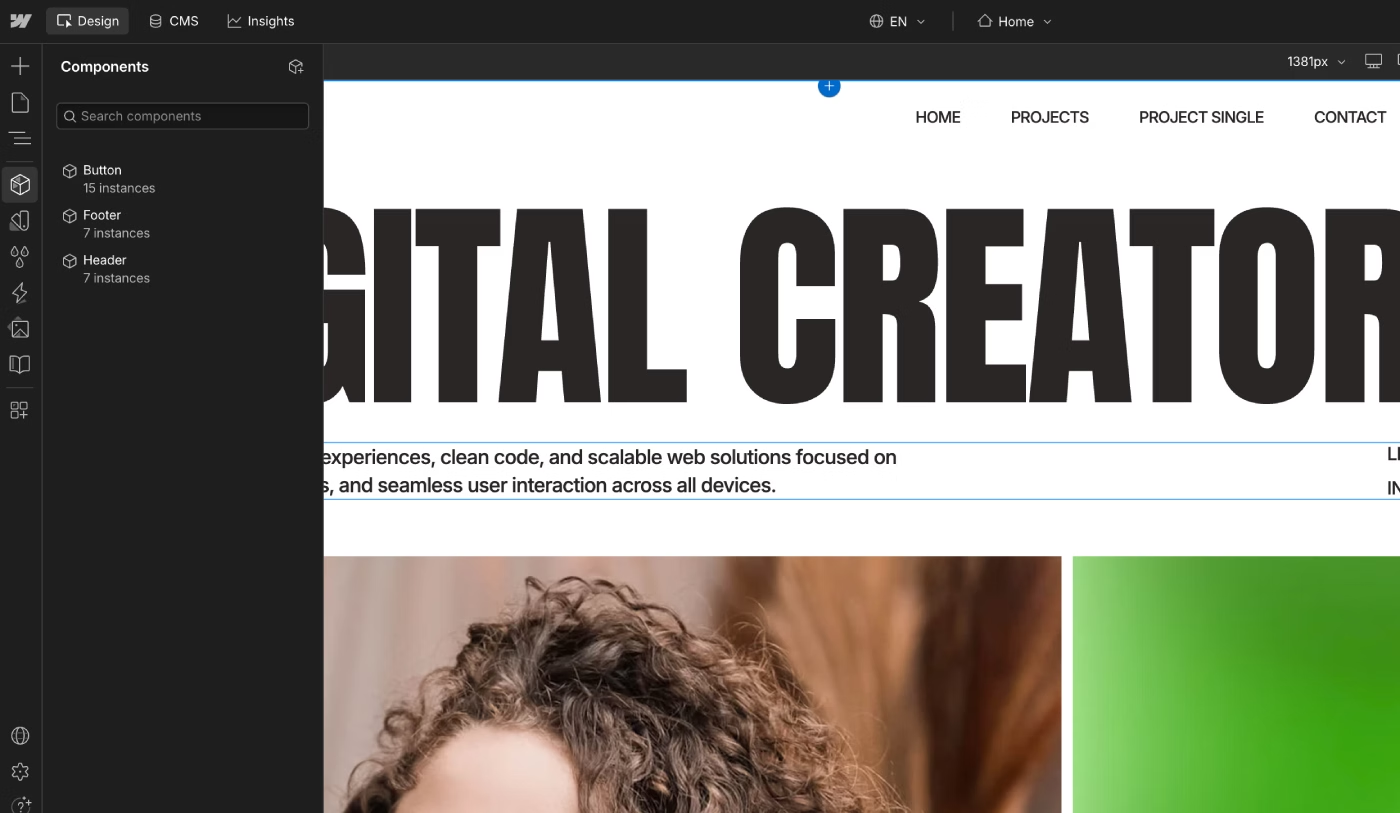
A free template may contain only a small number of Components, such as:
- Header
- Footer
- Buttons
- Basic reusable sections
Premium Webflow templates may include a more developed Component system with reusable sections and elements across the website. A good Component structure can make Webflow template customization faster and easier, especially when you need to update the same element across multiple pages.
Updates and Support
Support and future updates can be another difference between free and premium Webflow templates. Not every designer will continue expanding or updating a free template. A free template may primarily be created to demonstrate the designer's work, promote their services, or expand their portfolio.
Premium Webflow templates are more likely to receive updates, new pages, improvements, and additional functionality. Some template creators also provide technical support. This can be useful when you need help with Webflow template customization, CMS setup, or other configuration questions.
Figma Files and Documentation
A Figma file is not always included with a free Webflow template. In some cases, you may need to contact the designer through email or their website to request the original Figma design. Creating and maintaining a Figma design file requires additional work, so it may not always be included with a free template.
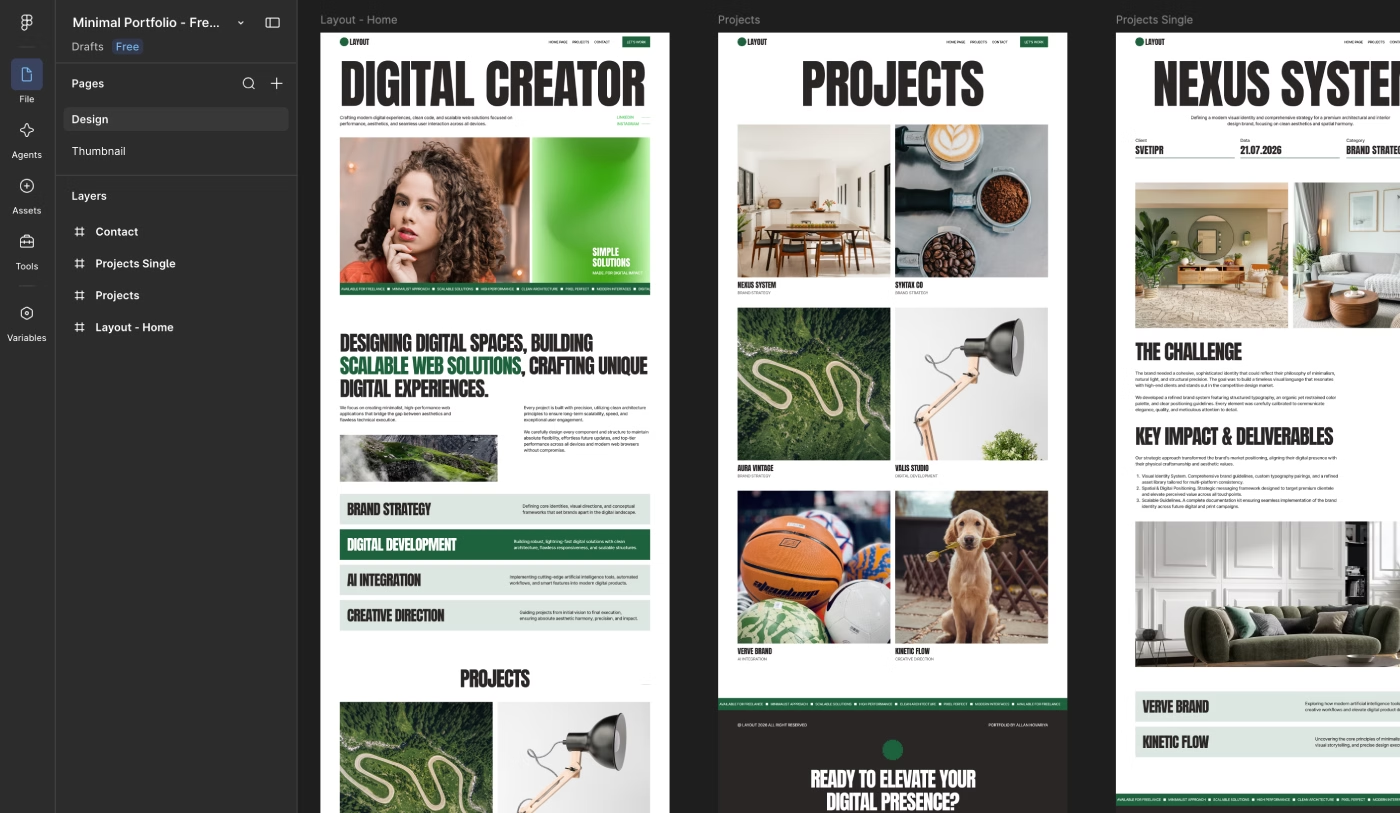
Many premium Webflow templates include Figma files or make them available on request. A Figma file can be useful when you want to expand the website, create new pages, prepare presentations, or keep the visual design consistent.
At KEDD Design, every Webflow template includes a Figma file. You can contact us by email or through any available contact method on the website to request access.
When a Free Webflow Template Makes Sense
A free Webflow template can be a good choice when:
- You want to learn Webflow and practice building websites.
- You need practical experience customizing a Webflow website.
- Your client wants to keep the initial website costs as low as possible.
- Your website needs only basic functionality and a simple page structure.
- You need a temporary website to present your services or portfolio.
A free template can be an excellent starting point when you do not need a large CMS structure or advanced functionality.
When a Premium Webflow Template Is Worth It
A premium Webflow template can be worth the investment when:
- You want a more developed and ready-to-customize Webflow template.
- You plan to expand and scale the website in the future.
- You need a larger page structure and more advanced functionality.
- You want a more complete Webflow CMS structure with the fields you need.
- You want access to technical support and future updates.
- You need a Figma file for future design work and website expansion.
A premium template can save significant time when the template already includes the design system, CMS structure, Components, pages, and functionality you need.
Is a $39 Webflow Template Worse Than a $129 Template?
No.
A $39 Webflow template is not necessarily worse than a $129 Multi-Layout Webflow template.
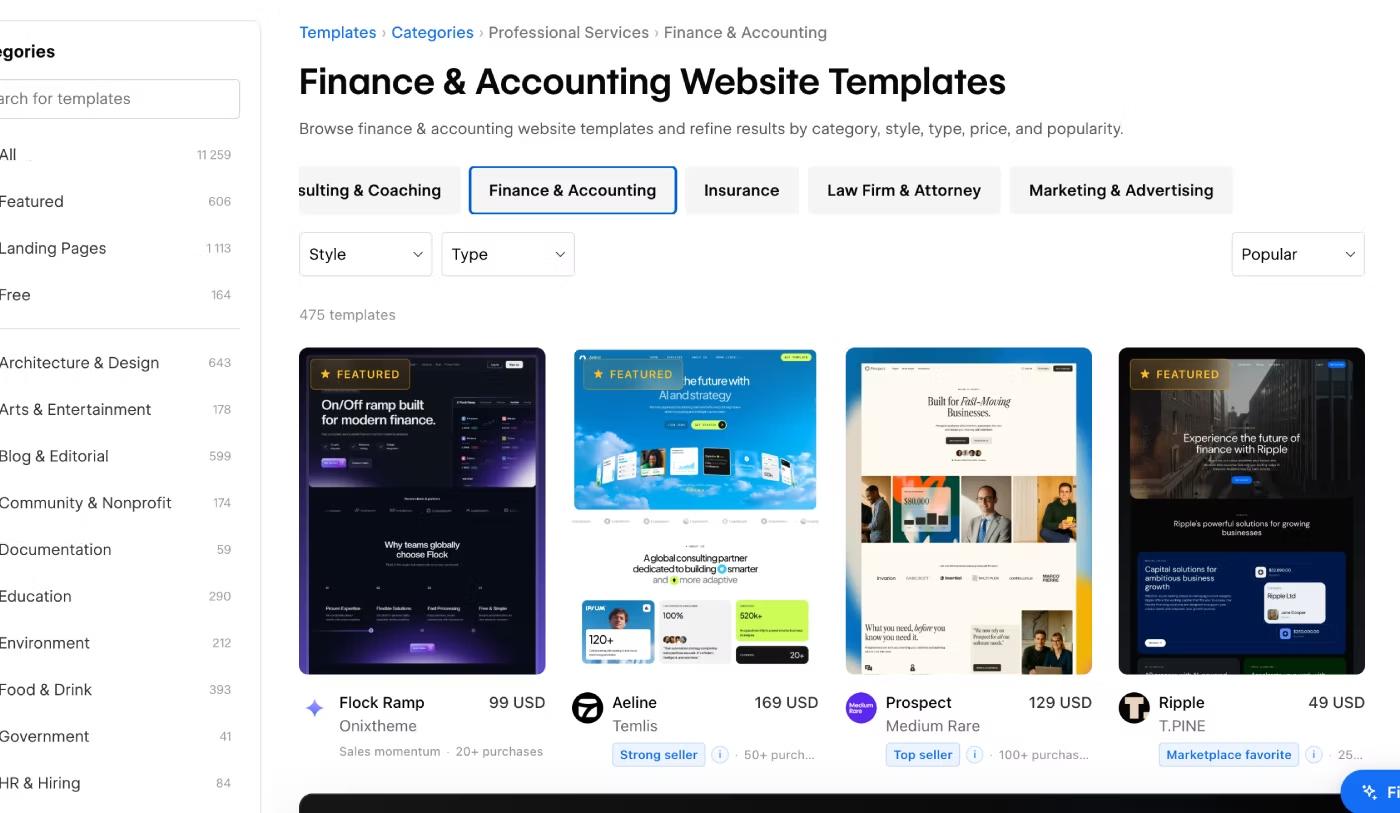
As mentioned earlier, the price often depends on the scope of the template, including:
- Number of pages
- Number of page layouts
- CMS Collections
- Ecommerce functionality
- Additional features and content
For example, a $39 template with one well-designed website structure can be a better choice for your project than a $129 template with many layouts you do not need.
The right choice depends on your website requirements and the functionality you actually need.
How to Choose Between Free and Premium Webflow Templates
The right choice depends on the functionality and structure your website needs.
If you are happy with a small number of pages, simple sections, and basic CMS functionality, a free Webflow template may be enough.
If you need a larger page structure, more advanced functionality, a stronger design system, a more complete Webflow CMS, technical support, a Figma file, and future updates, a premium Webflow template may be the better option.
By the way, I also wrote a detailed guide on how to choose the right Webflow template for your website, including what to check before making a purchase.
The most important thing is not simply whether a template is free or paid. Choose the Webflow template that provides the right structure, features, CMS, design system, and customization options for your project.