Built for modern Webflow creators
Figma to Webflow

Figma to Webflow Service: Your Design, Built as a Clean Webflow Site

Send me your finished Figma design. I build every page in Webflow to match it, use the Client-First system, and set up CMS collections for your dynamic content. You get a clean, responsive site that your team can edit and grow.
Free Figma review
Unlimited revisions
You own everything after payment
Prices from $900

Who this service is for

This service is for designers, studios, startups and small businesses that already have a finished website design in Figma and need it built in Webflow.

A good fit if

  • You are a designer or an agency with a client, and you need a developer to build your design.

Not the right service if

I work with designers and agencies under their own brand (white label). You keep the client, and I build the site.

What you get

Every project includes the points below. You get a finished, working Webflow site that matches your Figma design and is easy for your team to edit.

Pages built to match your design

Every page of your Figma design is built in Webflow, and the layouts match your design closely.

Responsive on every screen

Your site works on desktop, tablet and mobile. If your Figma file has only desktop designs, I build the tablet and mobile versions myself.

Hover states

Buttons, links and cards get hover states, even if they are missing in your Figma file.

Animations

I use Webflow Interactions, GSAP and Lottie, and I can move your Figma prototypes to Webflow.

Optimized images

Images are compressed, saved as WebP and have alt text, so your pages load faster.

Clean Client-First structure

Clear class names and a simple structure. No Figma layer names and no extra junk, so the site is easy to edit and scale.

CMS collections

Blog posts, case studies, team members and other dynamic content are set up in collections with the right fields.

Working forms

Your forms are set up and connected, so messages from your visitors reach you.

Basic SEO and 301 redirects

The SEO basics are set up, and old page URLs are redirected to the new ones, so you do not lose visitors.

Analytics setup

Analytics is connected, so you can see how visitors use your site.

How I turn your Figma file into a Client-First system
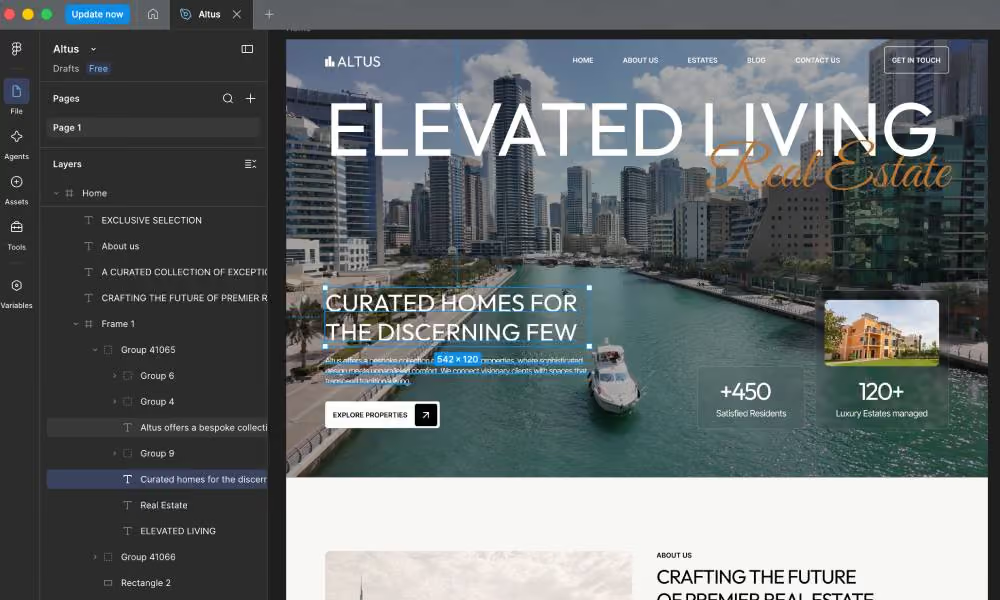
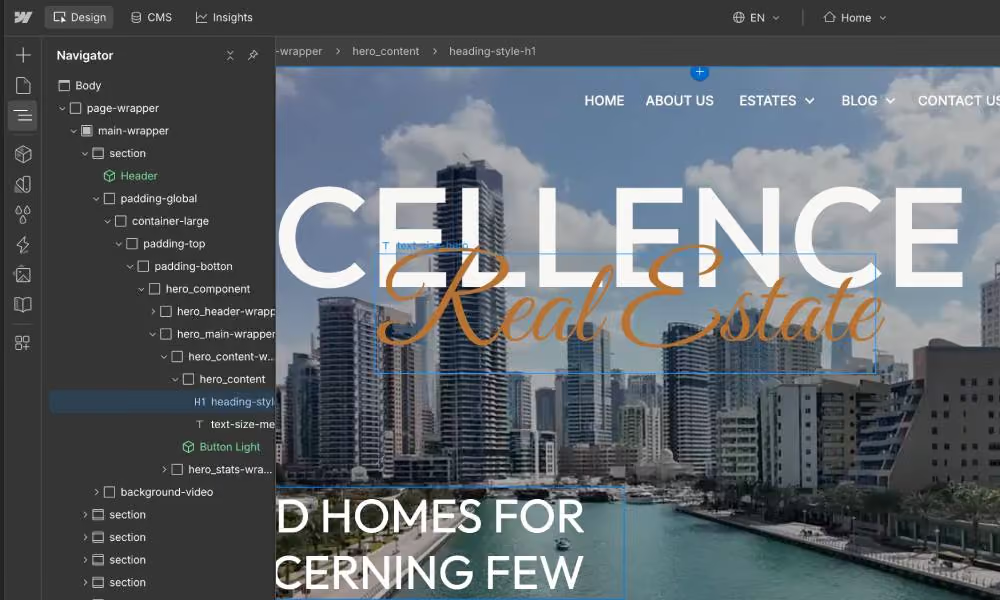
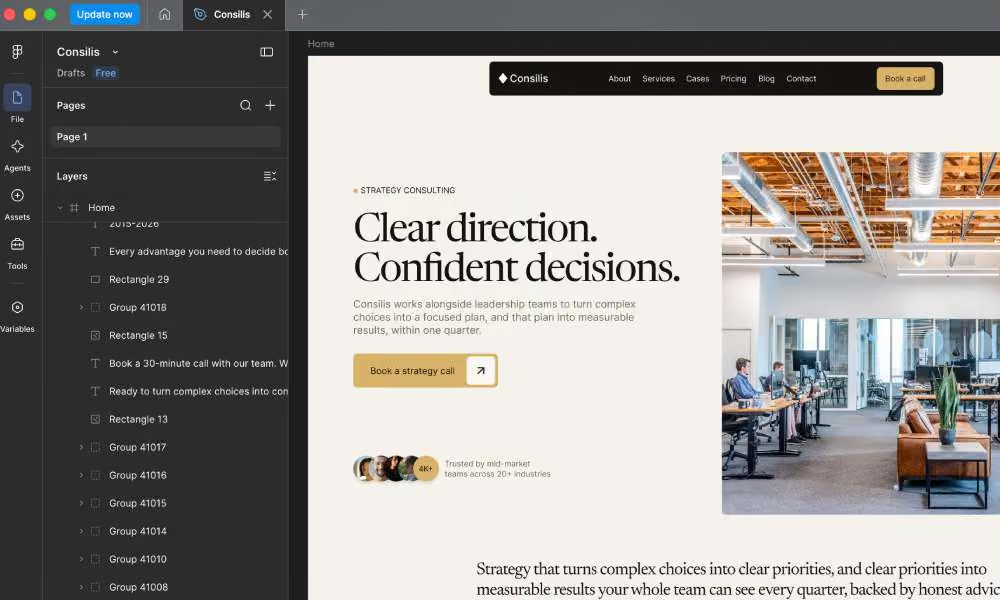
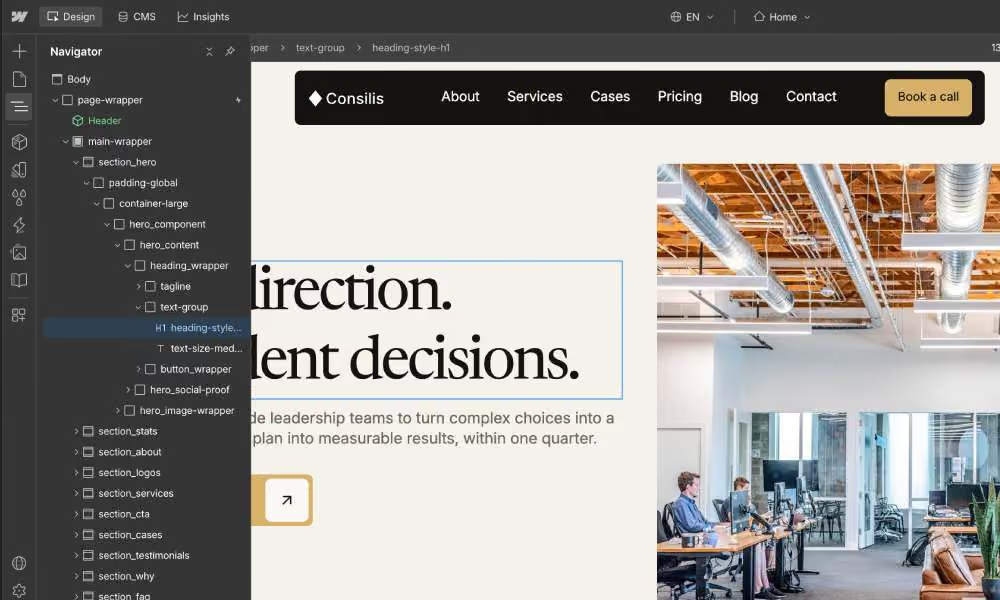
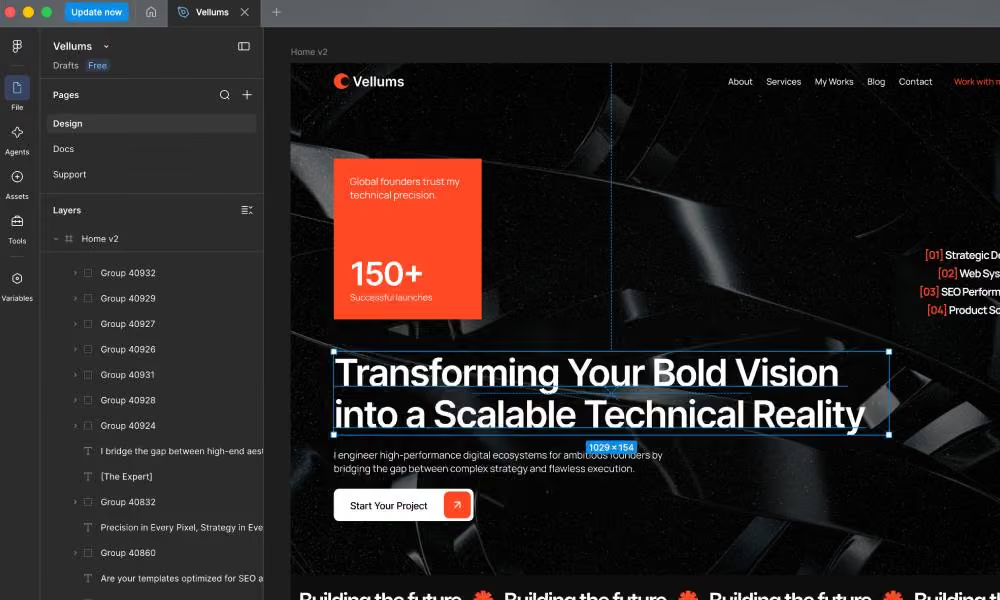
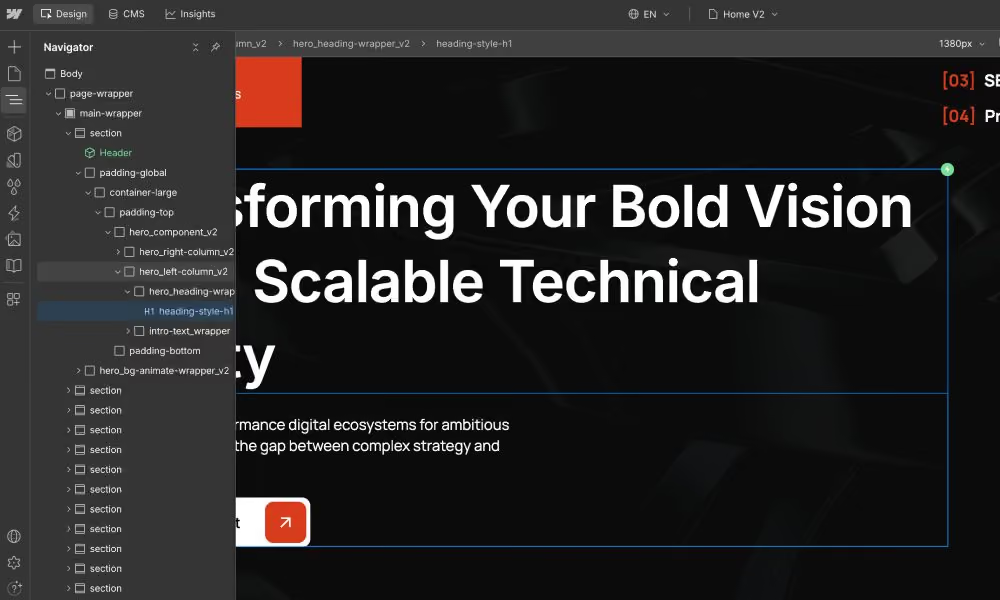
Many Figma-to-Webflow builds look right on the screen but are messy inside. I build every page by hand with the Client-First system. The class names are clear, the structure is simple, and the site is easy to edit and scale. There are no Figma layer names like “Frame 128” and no leftover junk.
Altuss design in FigmaAltuss built in Webflow
Before
After
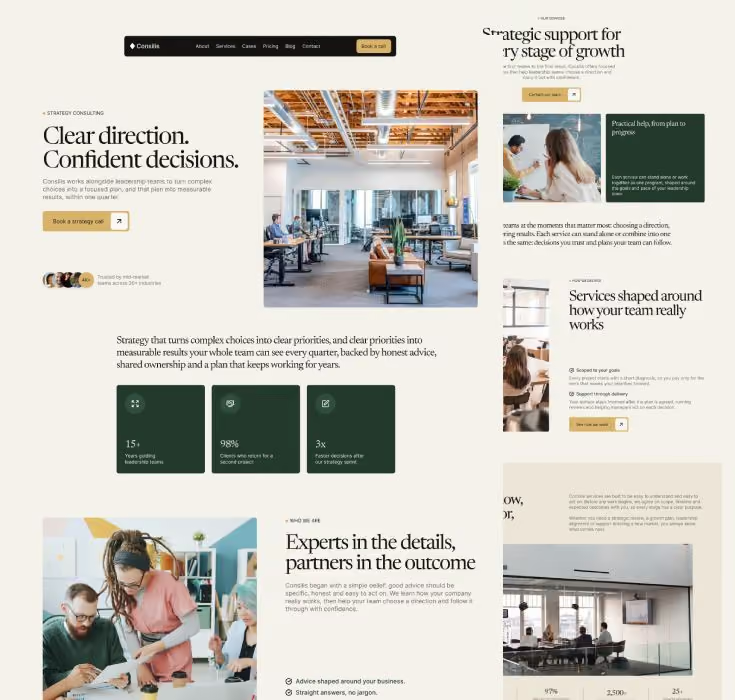
Consilis design in FigmaConsilis built in Webflow
Before
After
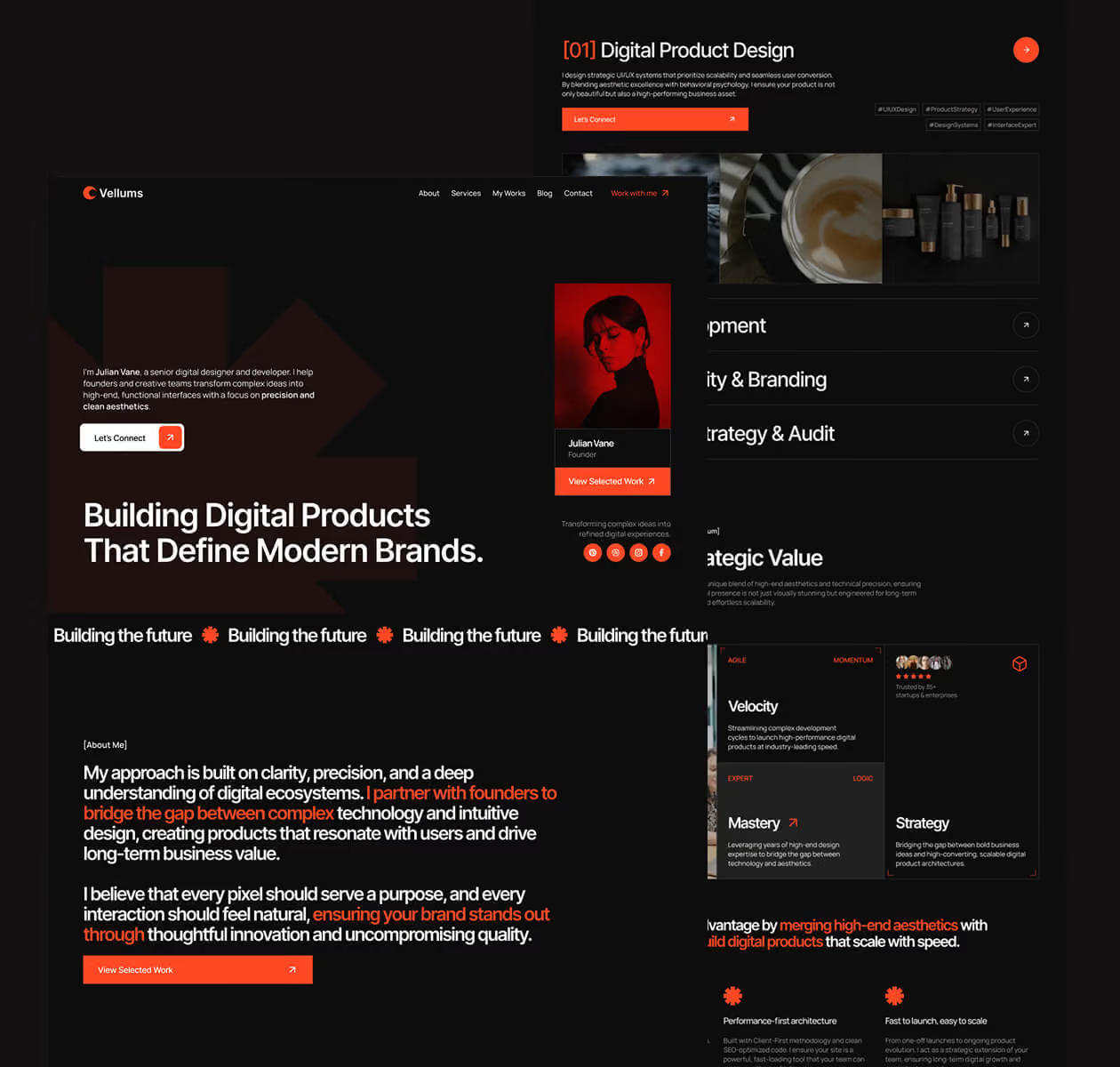
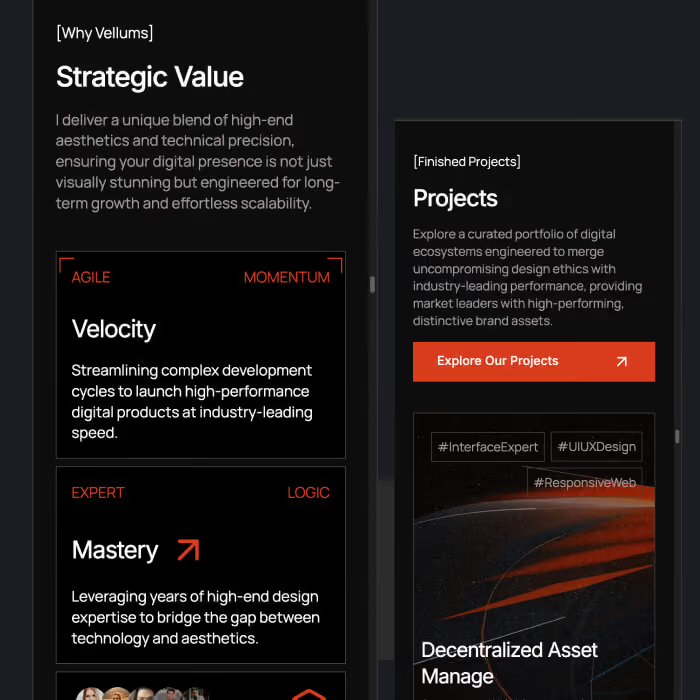
Vellums design in FigmaVellums built in Webflow
Before
After

How the Figma to Webflow process works

Communication: I show progress page by page or every 3–5 days, as you prefer. At the end of each working day I send you a short message about what is done. I can begin the day after we agree on the terms.
01

Share your Figma file

Send the Figma link and your wishes. I review every page and send you free recommendations.
02

Send your content and wishes

I need the final texts for all pages (if they are not in Figma), your wishes for animations and for CMS collections, and your fonts if you have them.
03

Give me Webflow access

I can work in your Webflow account or through your workspace.
04

I build page by page

Client-First structure, responsive layouts, CMS, animations, forms and basic SEO.
05

I test everything

I check desktop, tablet, mobile and different browsers. Only then I send you the link.
06

Revisions and launch

You can send as many revisions as you need until the site matches the approved design. Then we launch.

How to prepare your Figma file

Figma file checklist

Figma file checklist

Your file does not need to be perfect. I review it for free. These points make the build faster.
  • A Figma link with view access
  • One desktop frame for each page (tablet and mobile frames are nice to have, but not required)
  • Text and color styles, not random values
  • Clear page and frame names
  • The list of fonts you use
  • Final text for every page
  • Notes about animations and hover states

Common problems I see in Figma files

A few small problems come up again and again. I check for them in my free review, before the build starts.
  • Text that is too small. Some designs use 6, 8 or 11 px fonts. These sizes are hard to read, so I suggest a better size.
  • Wrong heading sizes. Sometimes H3 is bigger than H1. This breaks the page structure, so I flag it before the build.
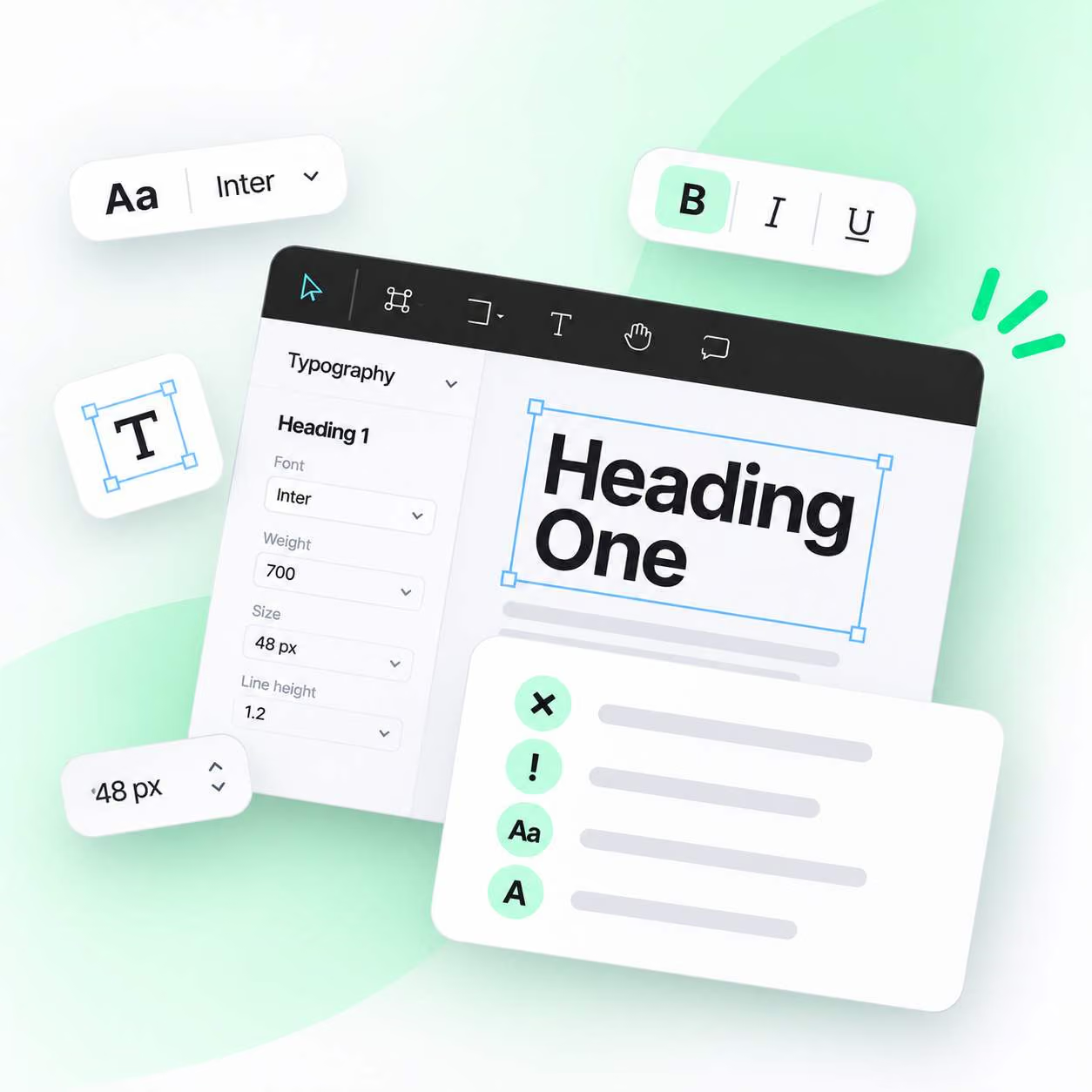
Common problems I see in Figma files

Figma to Webflow plugin or a manual build?
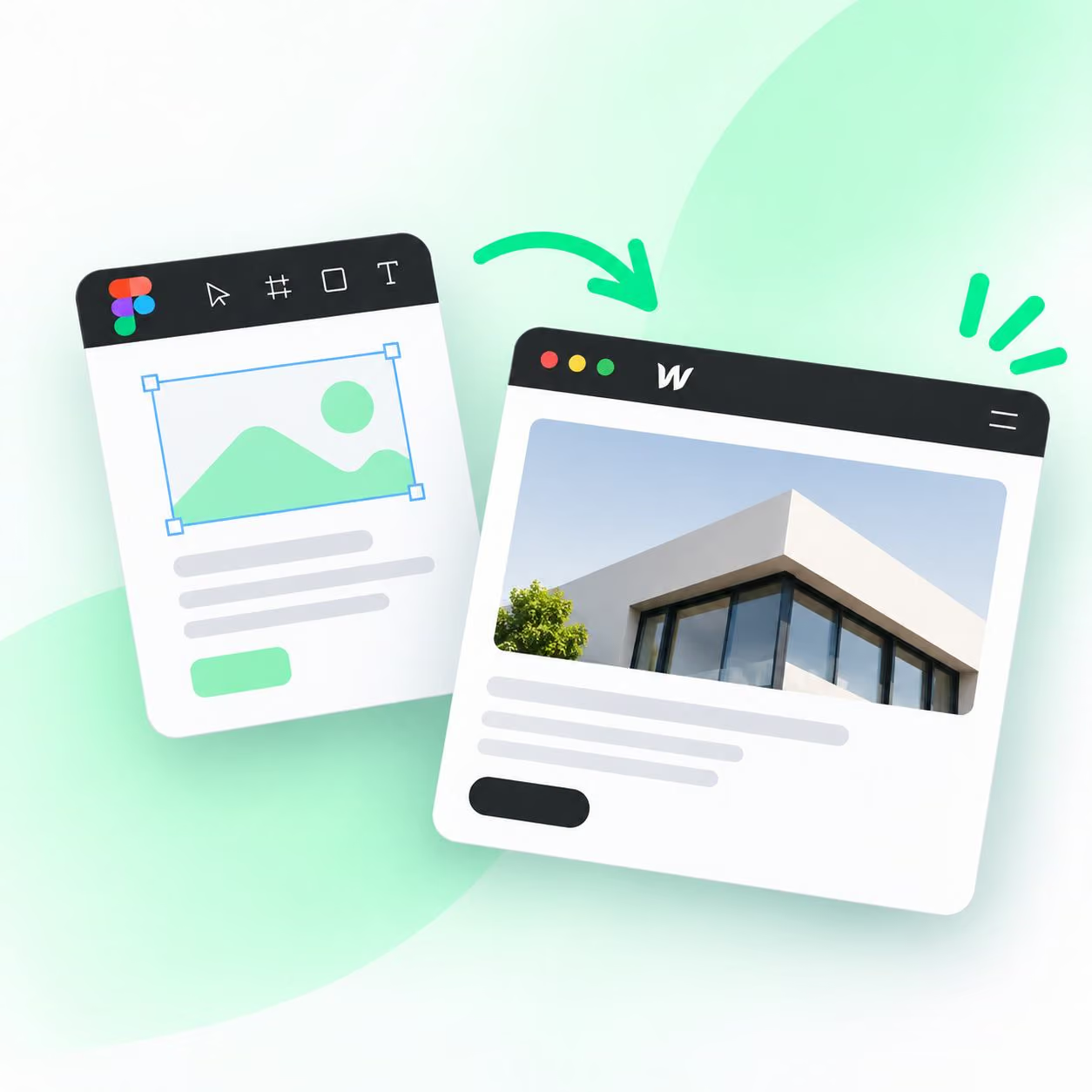
I do not use the Figma to Webflow plugin. I build each page and section by hand in Webflow. This way I plan the class names, the structure and the responsive behavior myself, so there is nothing generated that I need to clean up later. The result is a site that is simple to understand and easy to edit.
Figma to Webflow plugin

CMS collections from a static design

A Figma design shows how a page looks, but not how the content works. This is how I turn your static layouts into a CMS your team can use.

Find what should be dynamic

I study your layouts and find the content that should live in the CMS: blog posts, case studies, team members, services, FAQ and more.

Set up collections and pages

I create collections with the right fields, build collection pages and lists that match your design, and connect everything together.

Edit content without touching the layout
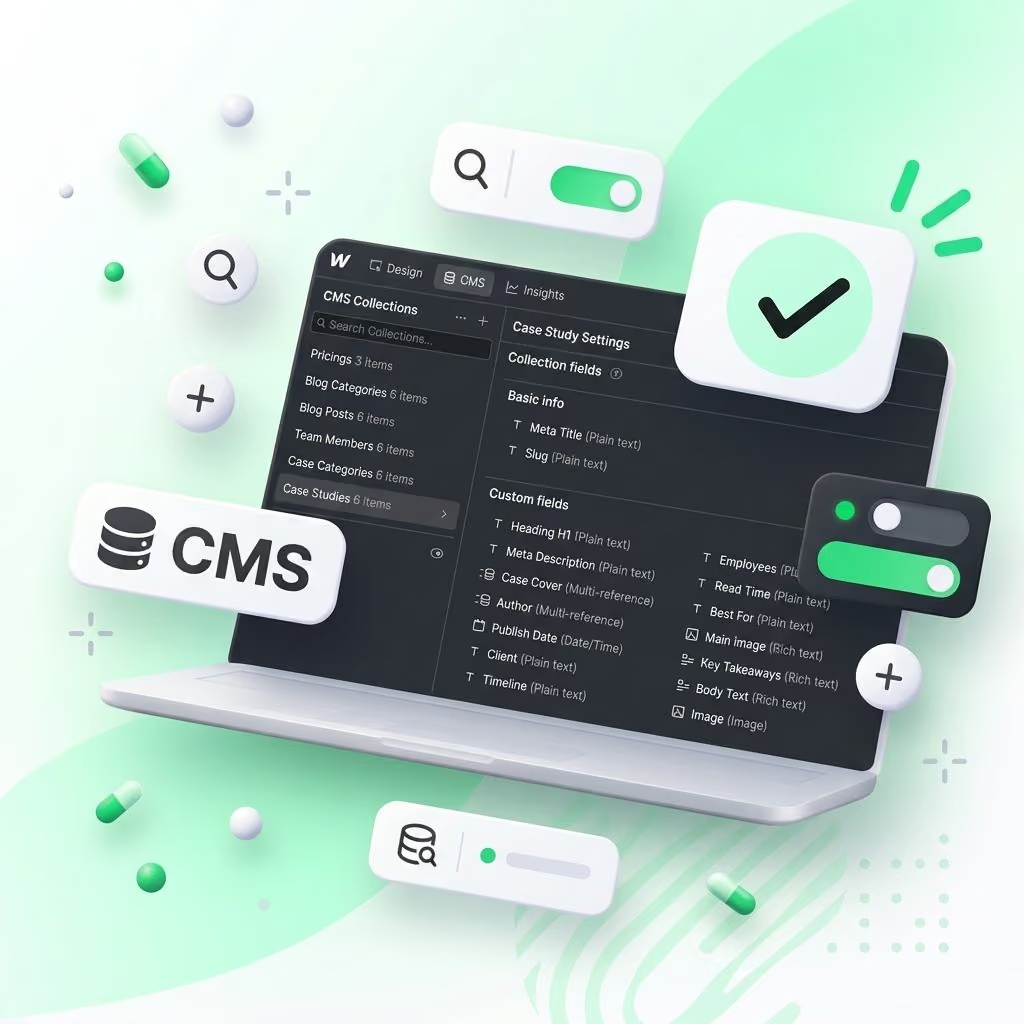
Your team can add and edit content in the CMS, and the design stays exactly as it is.
CMS collections and dynamic pages

Figma to Webflow pricing

Prices start from these amounts. You get a clear quote after my free Figma review.

Landing Page

For one page built exactly like your Figma design.
from $900
/ project

Small Website

For a small business or startup site. Everything in Landing Page, plus:
from $2,500
/ project

Full Website

For a bigger site with dynamic content. Everything in Small Website, plus:
from $5,000
/ project

How long it takes

I can start the day after we agree on the terms. Complex animations and integrations can add time, and I tell you this before we start.
01

Landing page

3–5 business days
02

Website up to 5 pages

7–10 business days
03

Website with 10+ pages and CMS

3–4 weeks

Why work with me

I work for the result

Your layouts will be fully built, and I keep to clear deadlines.
Every Layout Fully Built
Daily Progress Updates

I think as a designer and as a developer

Before the work starts, I review your layouts and suggest better ways to build sections, animations and CMS collections, so the site is easy to change later.
Review Every Layout
Improve Problem Sections
Plan Animations Early
Plan CMS Collections

Clean structure

Everything is built with Client-First, with clear class names and no extra junk. It is easy to edit and scale.
Frame 128
Copied Figma layer names
div-block-5
Random class names
section_hero
Clear Client-First names
I am a designer and Webflow developer. In 2026 I built 14 websites from other people's Figma designs. I also built all my own Webflow templates this way.

After the site is live

I can work in your Webflow account or through your workspace. When the work is done, I can record a short video that shows how to edit pages and CMS content. After payment you own the whole site. You pay for your Webflow plan and hosting. Need help later with updates, fixes or new pages? See Webflow support and maintenance.
Figma After the site

Figma to Webflow FAQ

Short answers about time, price, Figma files, CMS and what happens after launch. Can’t find your question? Send me your Figma file, and I will answer it in the free review.

How long does a Figma to Webflow project take?

A landing page takes 3–5 business days. A site with up to 5 pages takes 7–10 business days. A bigger site with CMS takes 3–4 weeks. I can start the day after we agree on the terms.

How much does Figma to Webflow cost?

A landing page starts from $900, a site with up to 5 pages from $2,500, and a site with 10+ pages and CMS from $5,000. The final price depends on pages, CMS collections, animations and integrations. You get a clear quote after my free Figma review.

Will the Webflow site look exactly like my Figma design?

Yes. I match your layouts closely. If something will not work well on the web, for example text that is too small, I tell you before the build and suggest a fix.

What do you need from me?

I need a link to your Figma file, access to your Webflow account or workspace, final texts for each page, and your wishes for animations and CMS. Fonts are helpful, but I can also find them in your file. If your file has only desktop designs, I build the tablet and mobile versions myself.

Can I edit the site myself after launch?

Yes. The CMS is set up so your team can change content without touching the layout. I can also record a short training video.

How many revisions are included?

You can send as many revisions as you need until the site matches the approved design. Changes to the design itself are quoted separately.

Can you add animations and move Figma prototypes?

Yes. I use Webflow Interactions, GSAP and Lottie, and I can move Figma prototypes to Webflow.

Do you use the Figma to Webflow plugin?

No. I build every page and section by hand in Webflow, so the structure and the class names are planned and clean.

Do you work with designers and agencies?

Yes. I work with designers and agencies that have their own client, also under their brand (white label). We can talk in English.

Who owns the site, and who pays for hosting?

You own the whole site after payment. You pay for your Webflow plan and hosting.